Call Extension Point
Using Palette
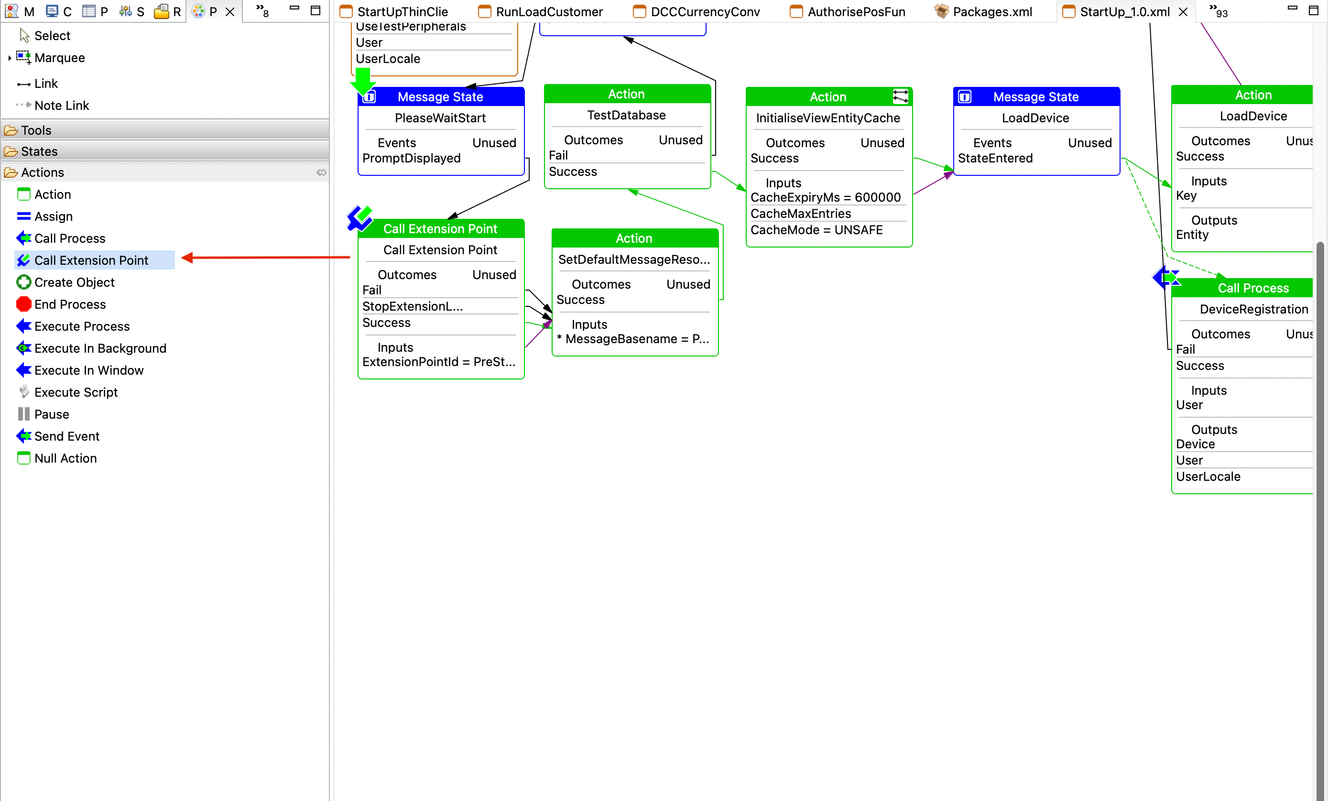
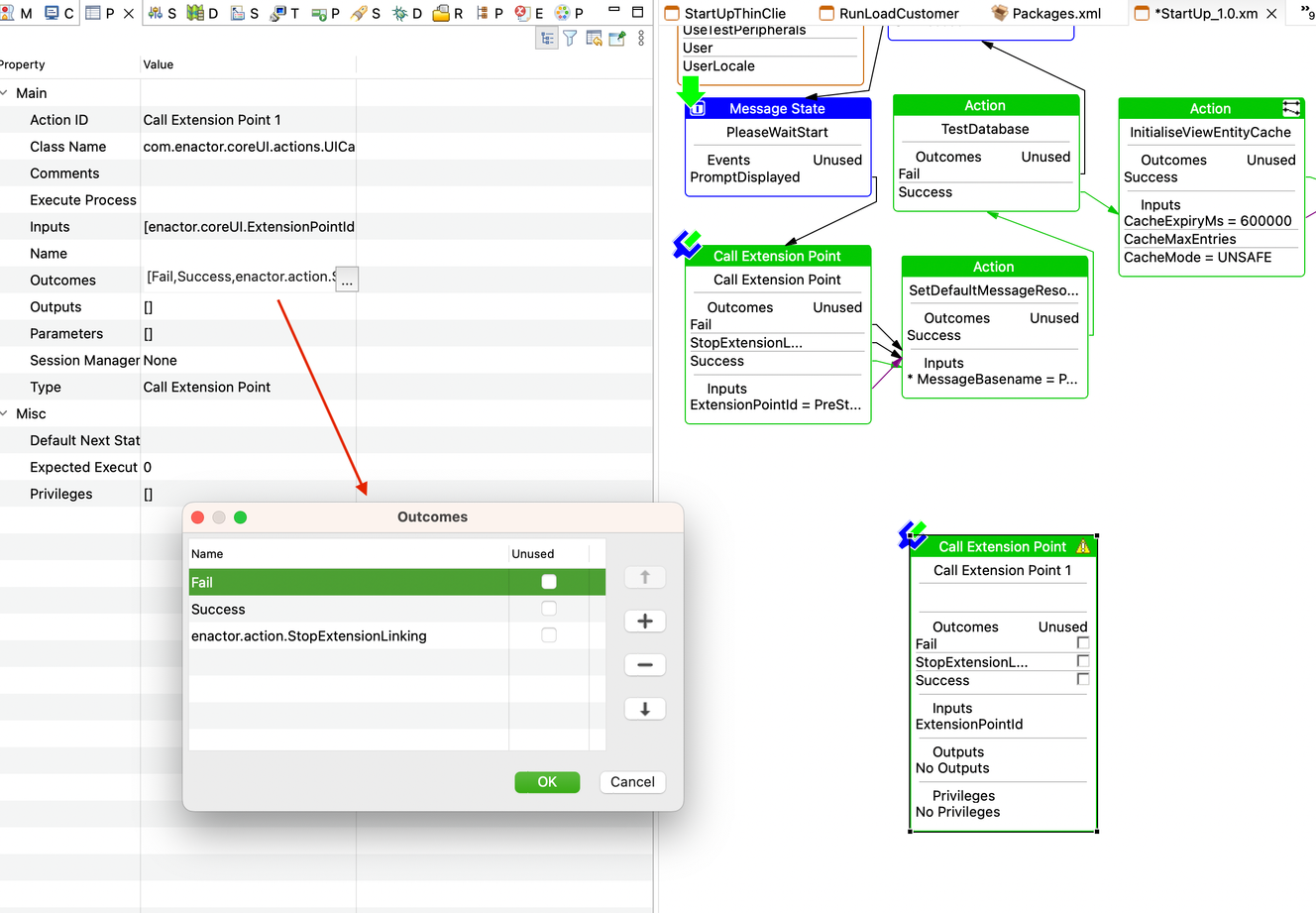
- To call an extension point from an application process, we can add a Call Extension Point Action using the palette.
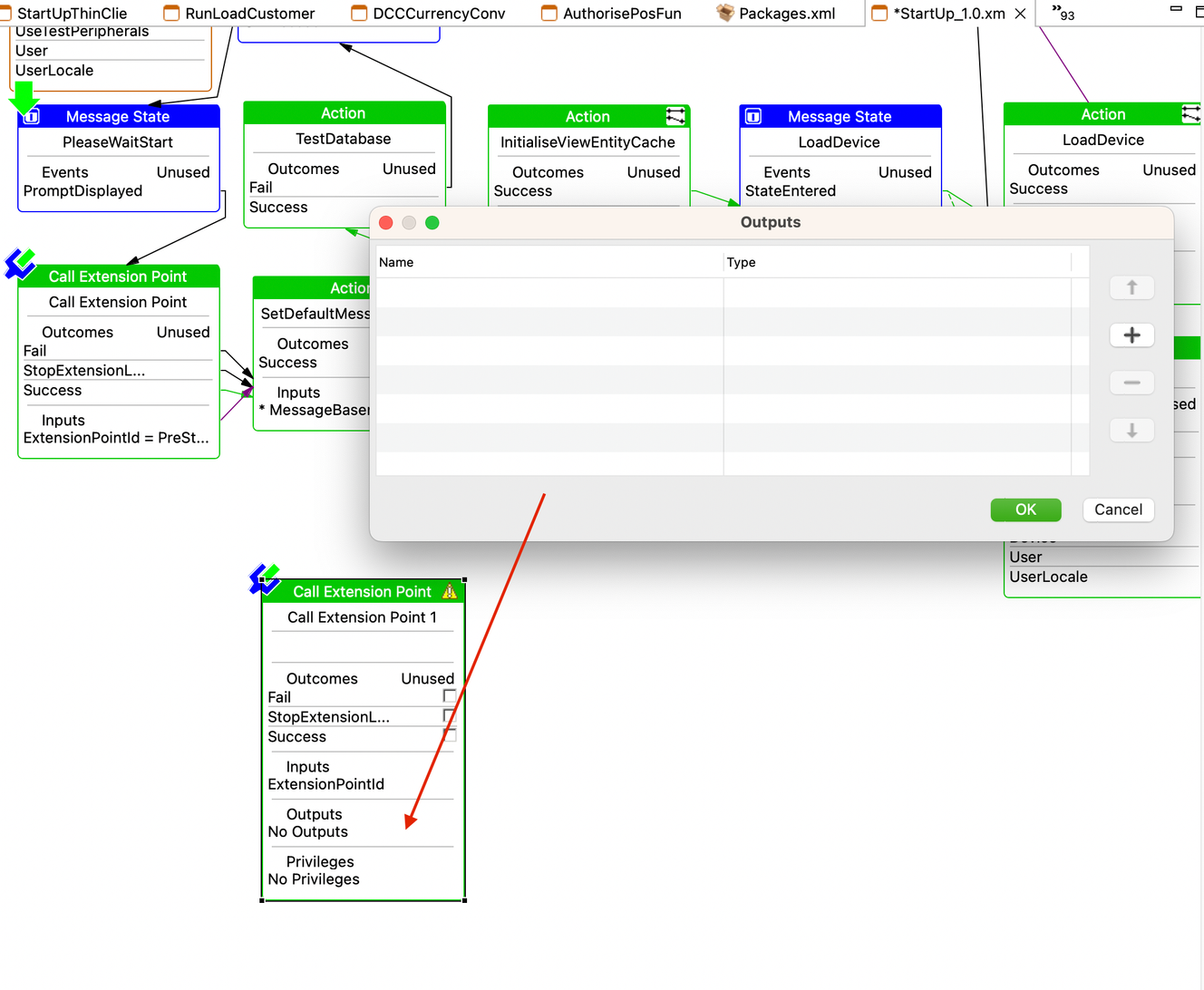
- We can drag the action and drop it onto the process editor and then edit parameters using the process editor or properties view.
See in the below images:
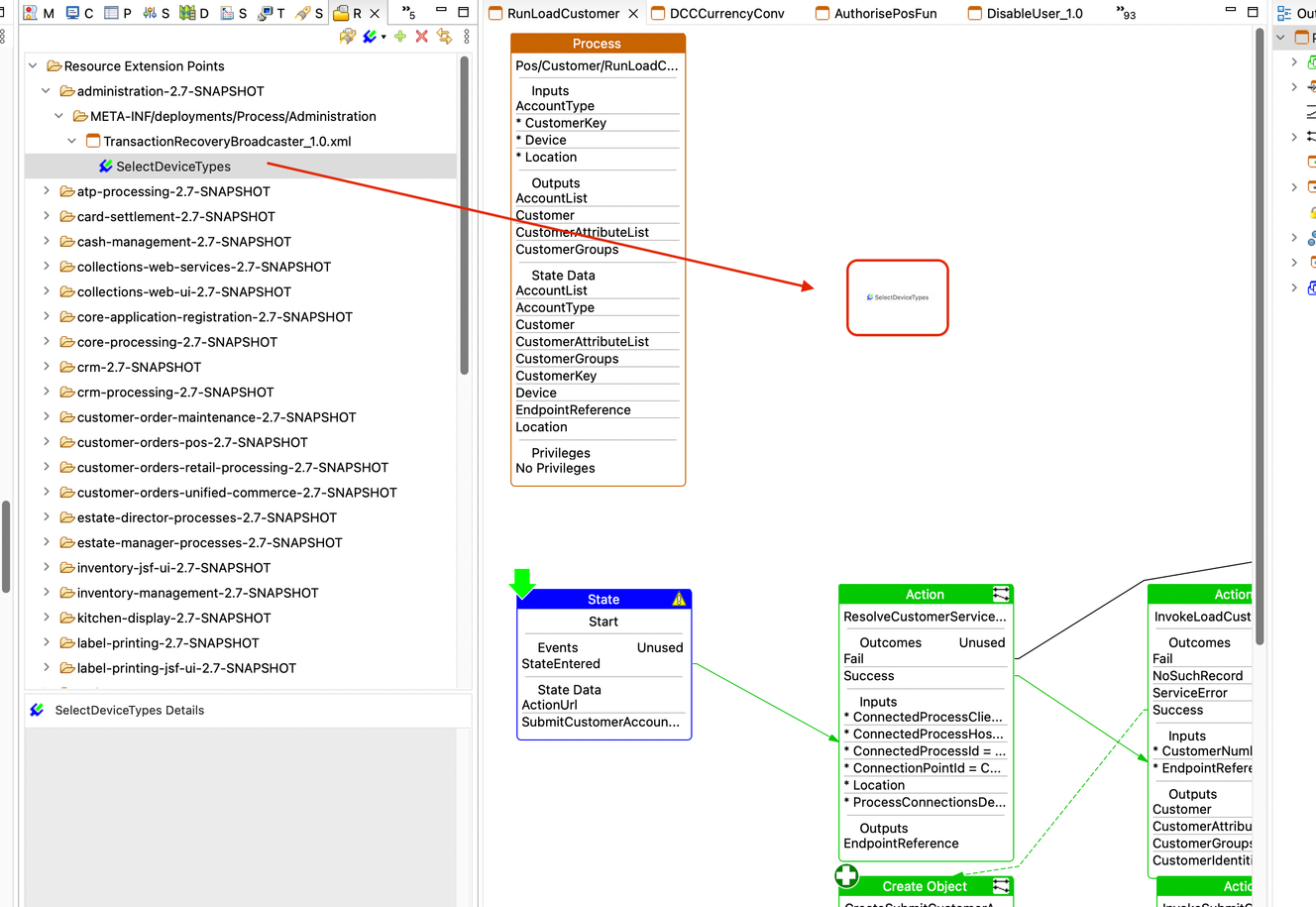
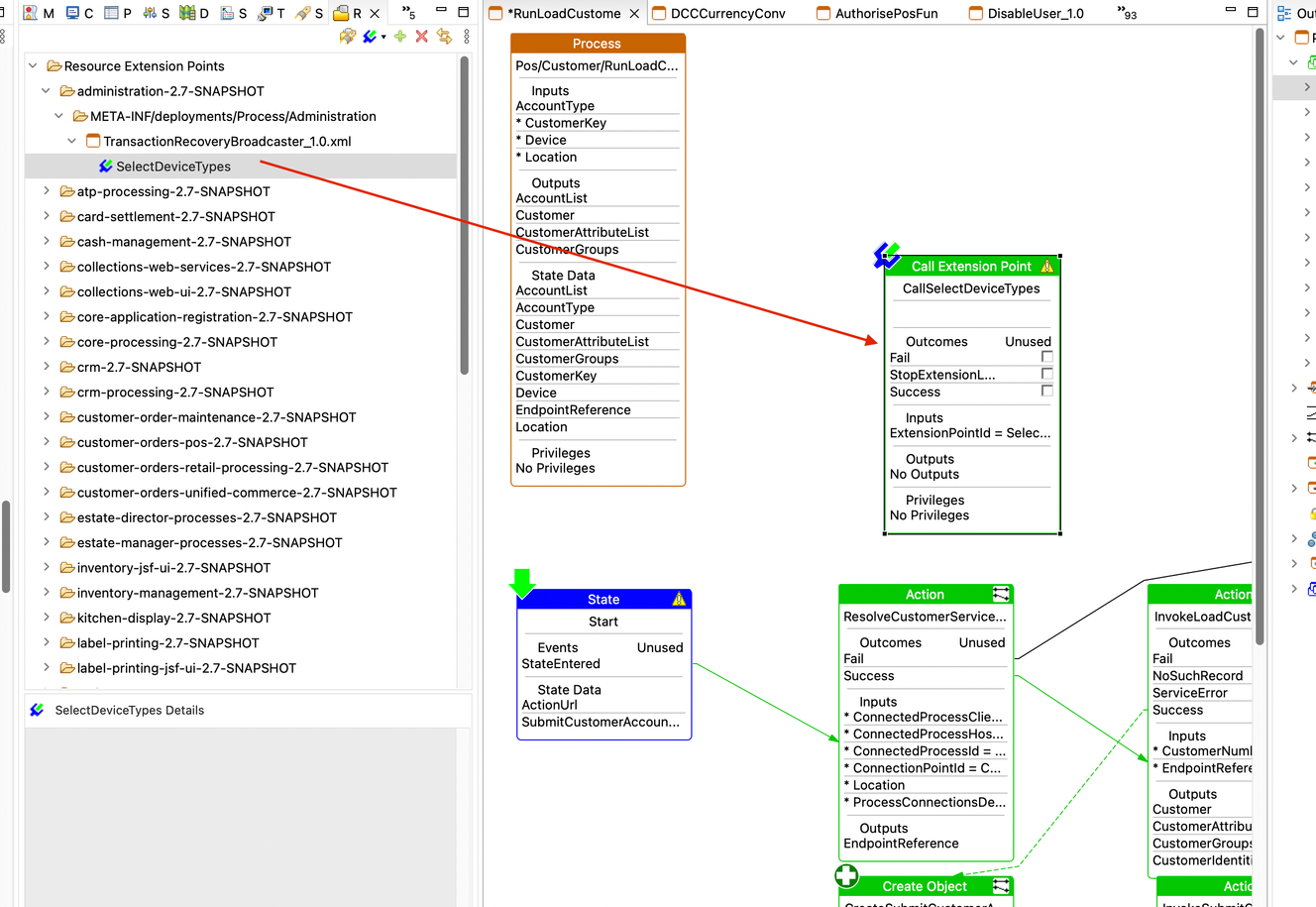
Using Resource Library
You can search for an extension point (if already exists) using the Resource Library Search and drag the extension to the process editor. (Window → Show View → Resource Library). This will create a call extension point action for the selected extension.