Register an Extension Point
To register an extension, you can either use the package editor or application process editor.
Using Package Editor
In Package Editor, using the Extensions tab, we can register an extension point in the packages.xml.
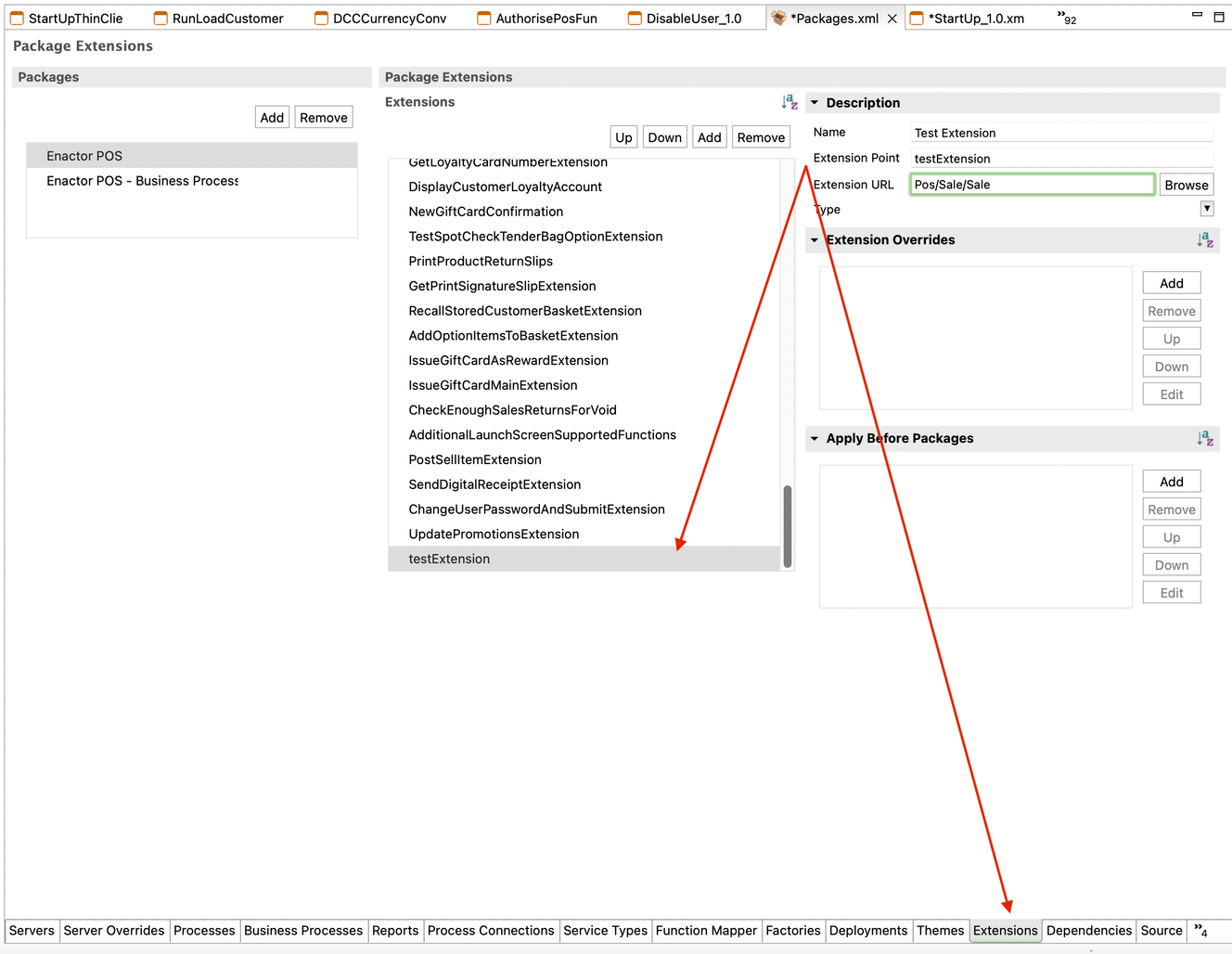
The extensions section within the Packages.xml configuration file allows for the registration of various types of extensions against an extension point.
Currently the following package extensions are support are supported:
-
PackageExtension
-
WebPackageExtension
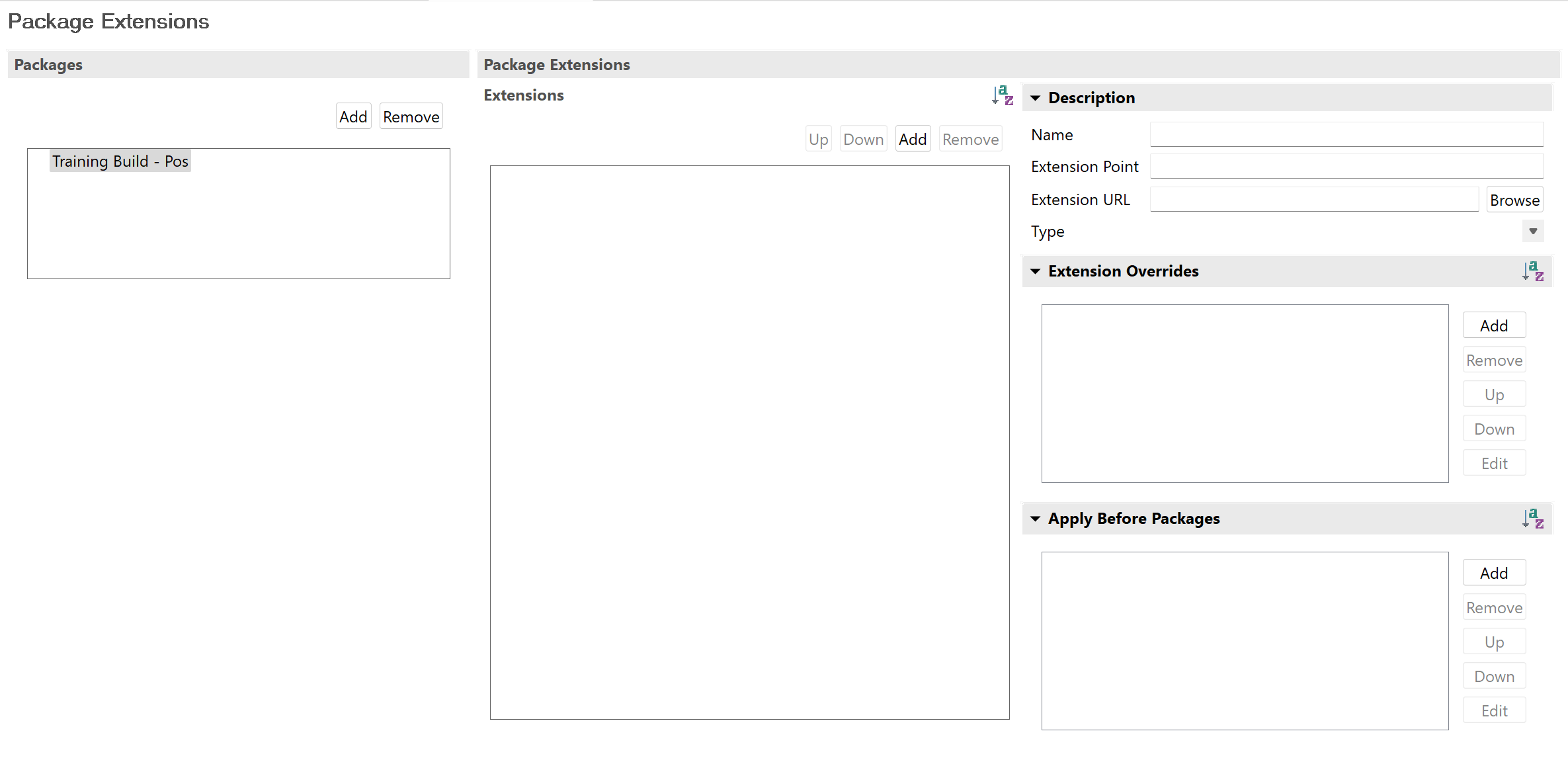
When implementing an extension point you can specify the following properties:
-
Extension Id - A unique name for your extension
-
Extension Point - The ID of the extension point that you want to implement
-
Extension Type - The type of extension (Process, Page, Tab, JSP)
-
Extension URL - The URL of the extension (Process Id, JSP)
-
Extension Overrides (Optional) - Allows you to configure a set of existing extension point implementations that are replaced by this one (i.e. this allows you to disable other extension point implementations)
-
Apply Before Packages - Allows you to signal that this extension point implementation must be called before the ones listed. This allows you to setup ordering of your extensions without disabling them
Using Application Process Editor
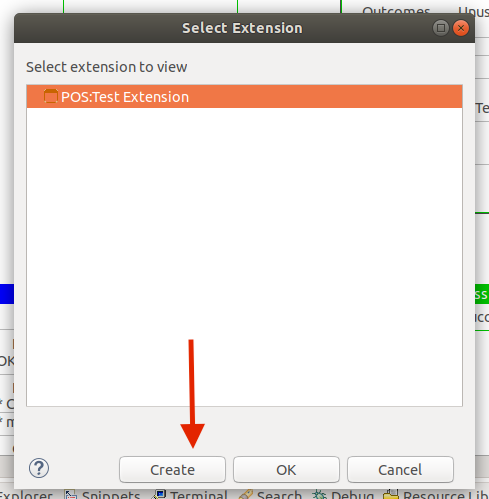
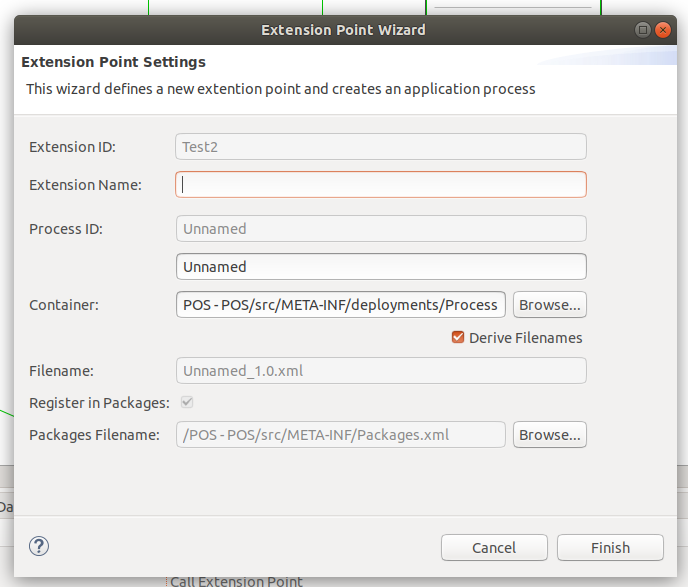
We can also register extension points using the application process editor. When you double-click on a callExtensionPointAction, you will get a wizard to register the extension with a new application process.
You can enter a name for the extension and create an application process for the given extension. Once clicked "Finish extension point," the application process will be saved in the packages.xml.