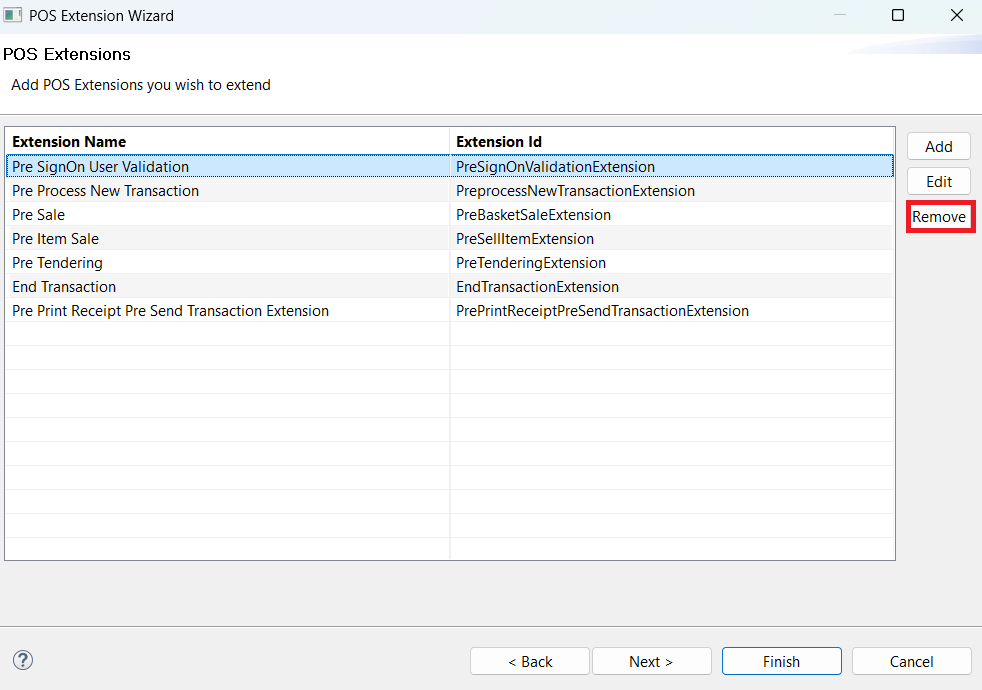
POS Extensions Page
This page of the wizard allows users to manage the POS Extensions that need to be overridden in the POS. It provides options to add, edit, and remove POS Extensions from the list.
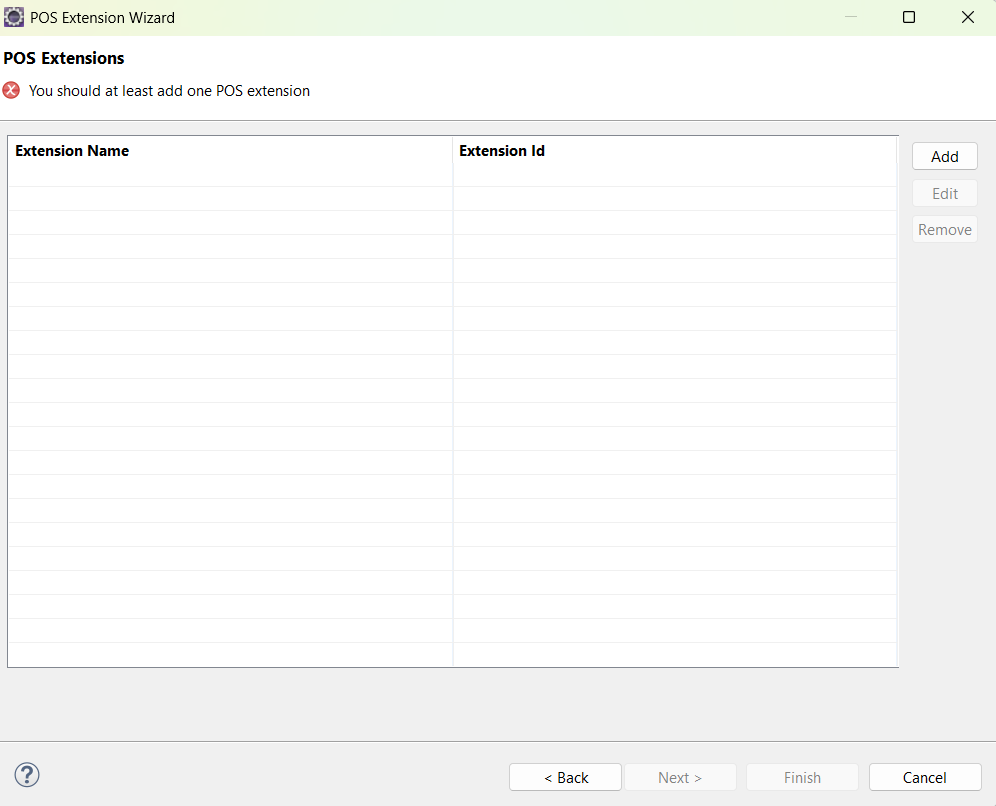
When the user clicks the Add button, a Select POS Extension dialog box is displayed, allowing the user to select an Extension Name from a predefined dropdown list.
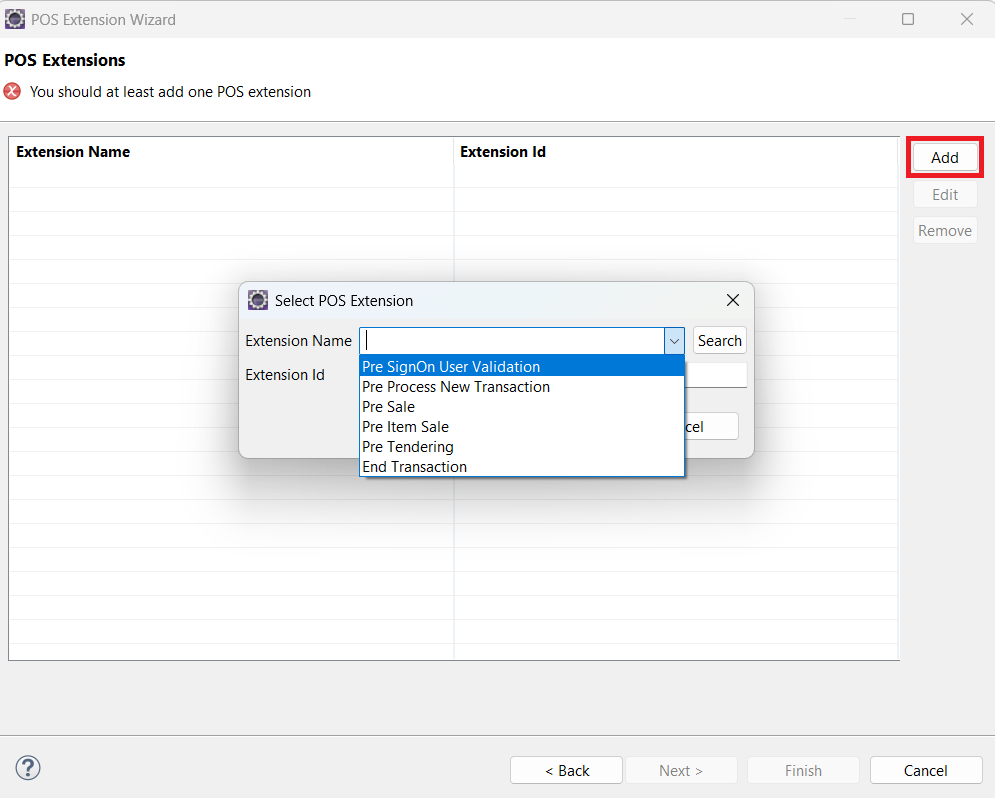
A search option is also available to locate Extension Names. Selecting the search option opens the Select Extension Point dialog box, where users can search and choose an Extension Name.
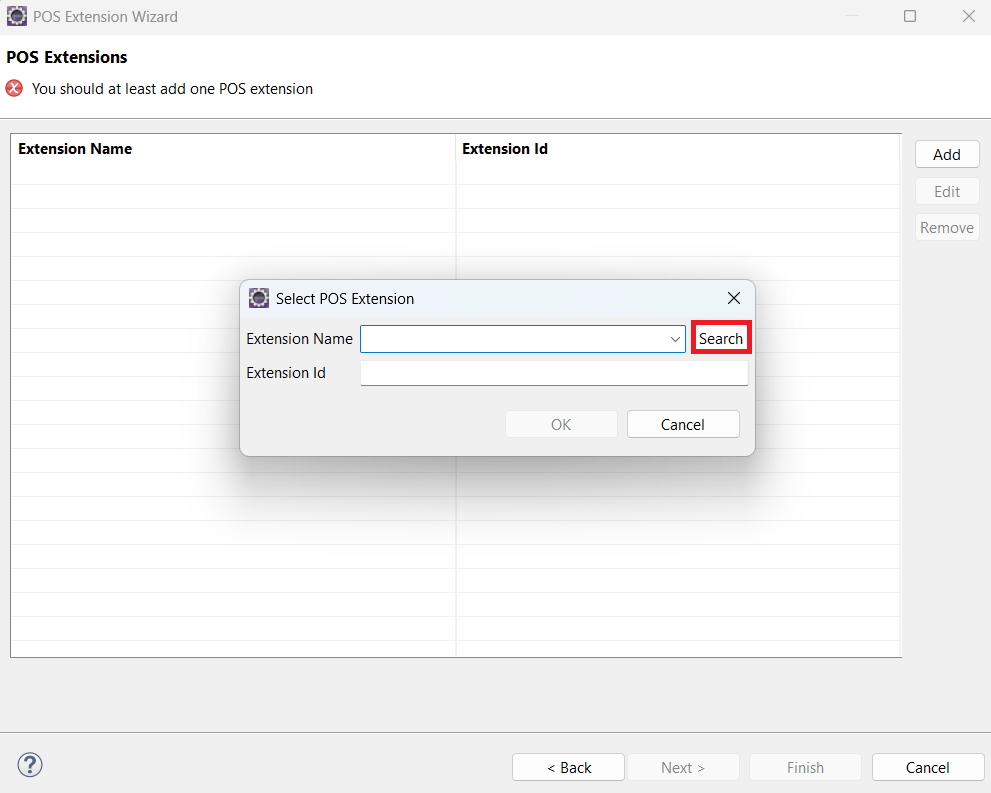
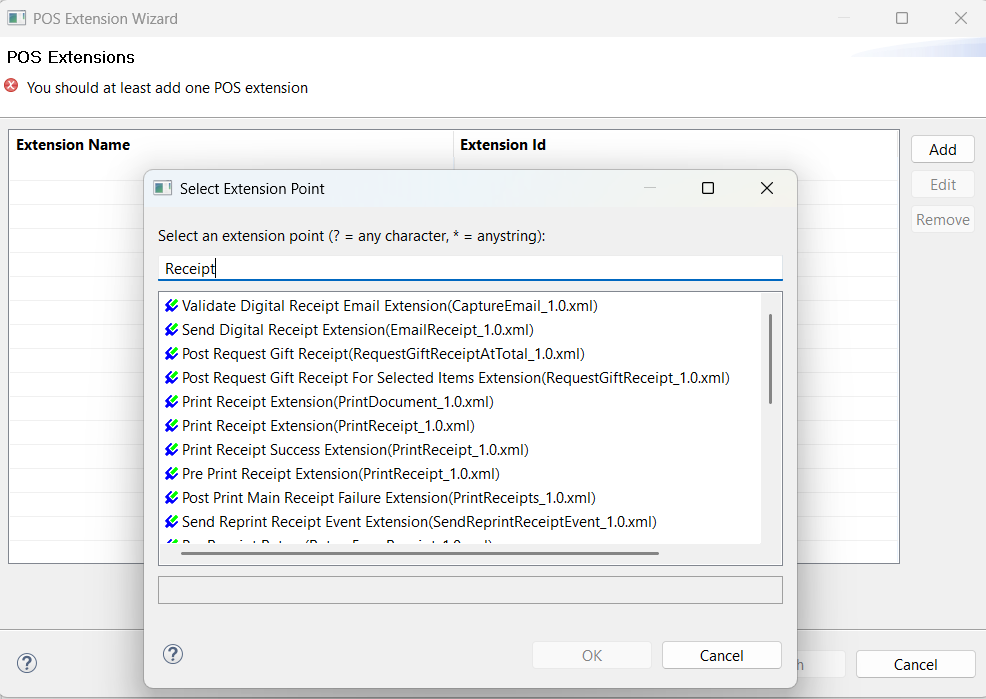
Once selected and confirmed, the Extension Name and Extension ID are populated in the Select POS Extension dialog box and can be added to the list.
Users can modify an existing extension using the Edit button
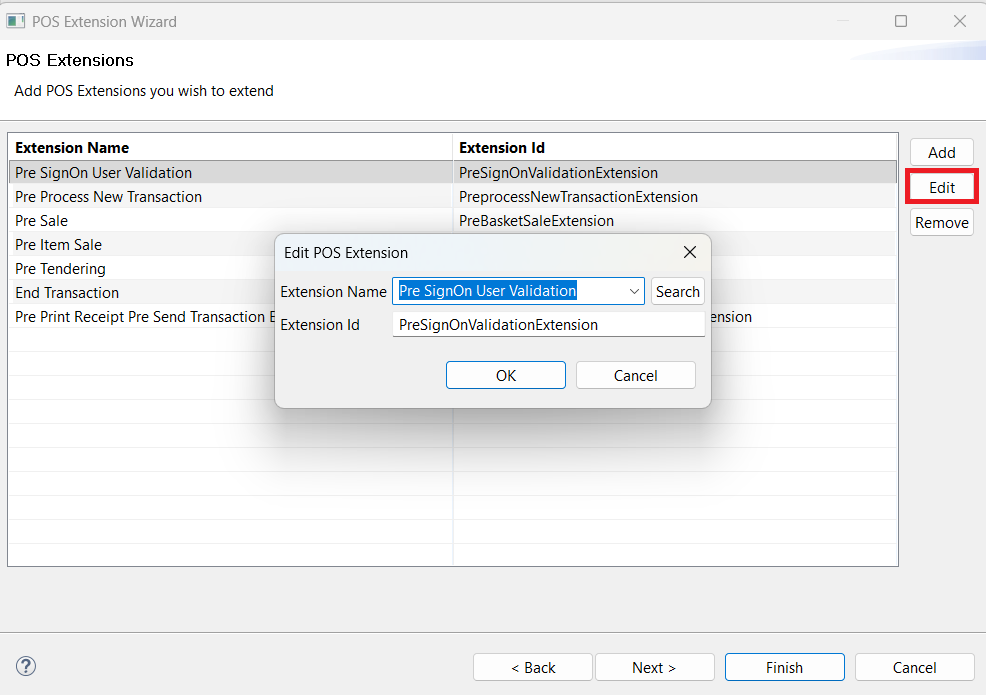
Users can remove an extension from the list using the Remove button.