Enactor Tools - 1.3.451
Overview
This release includes few CRs related to Connected Process Diagrams and critical bug fixes
Deliverables and Versions
| Enactor Tools | Version: 1.3.451 |
|---|---|
| Eclipse | 2024-3 Added Jan 22, 2025 If you install the Subclipse plugin in Eclipse 2024-3 following a recent update, it may cause an issue where the Enactor Application Process Editor malfunctions and throws the error: java.lang.NoSuchMethodError: 'void org.eclipse.draw2d.FigureCanvas.setScrollbarsMode(int) To resolve this issue, we strongly recommend upgrading to Eclipse 2024-6. |
| Java (Eclipse Launch) | 17 |
| OS | Mac 13.0.1, Ubuntu 18.04.6 LTS, Windows 11 |
IMPORTANT
- Add the following parameter to eclipse.ini if it does not exist:
--add-opens=java.base/java.lang=ALL-UNNAMED
IMPORTANT
-
If you are using Ubuntu 22 or above and have issues with Enactor Tools not working properly Go to /etc/gdm3/custom.conf and uncomment below line.
-
WaylandEnable=false
IMPORTANT
-
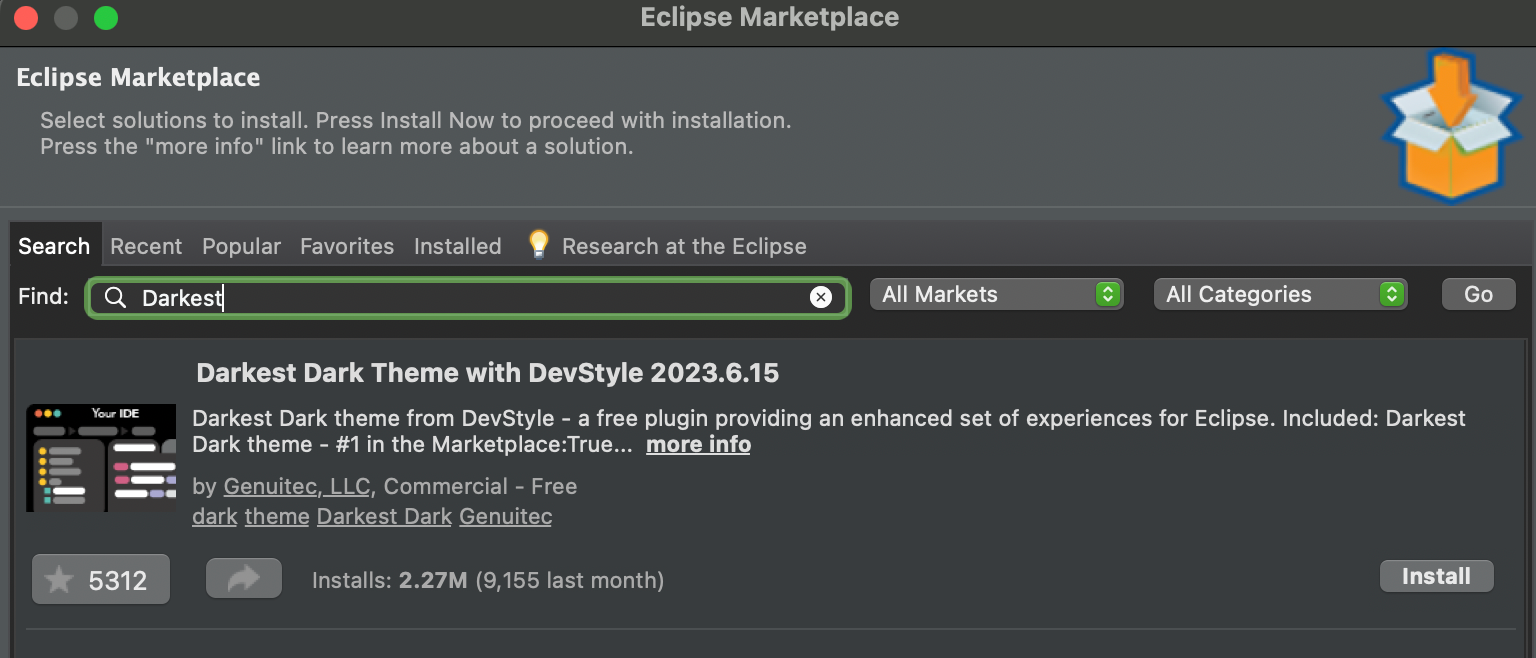
If you prefer to use a dark theme for Eclipse for better user experience we recommend to use the Darkest Dark Theme
-
Go to Help → Eclipse Marketplace
-
Find Darkest Dark Theme
-
Install
Changes
| Ref | Summary |
|---|---|
| DT-464 | Add a Shortcut to Search Directly from the Resource Library |
| DT-272 | "Unused" input/output should not be shown on the main UI |
| DT-159 | Remove throws PropertyValidationException from entity wizards |
Bug Fixes
| Ref | Summary |
|---|---|
| DT-498 | Error Loading Function Library |
| DT-451 | Sometimes process reference search shows itself as a search result |
| DT-450 | Data Types not in the Application Process Editor Palette |
| DT-127 | Synchronise with process should use the editor undo/redo stack |
Notes
Shortcut to Search Directly from Resource Library
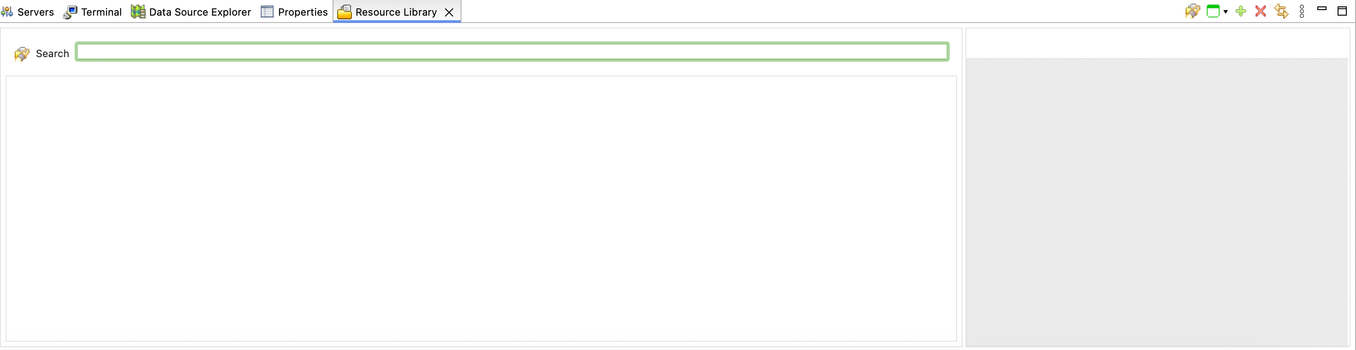
You can now directly navigate to Resource Library Search tab using the shortcut Ctrl + L
Unused Inputs/Outputs in Application Process Editor
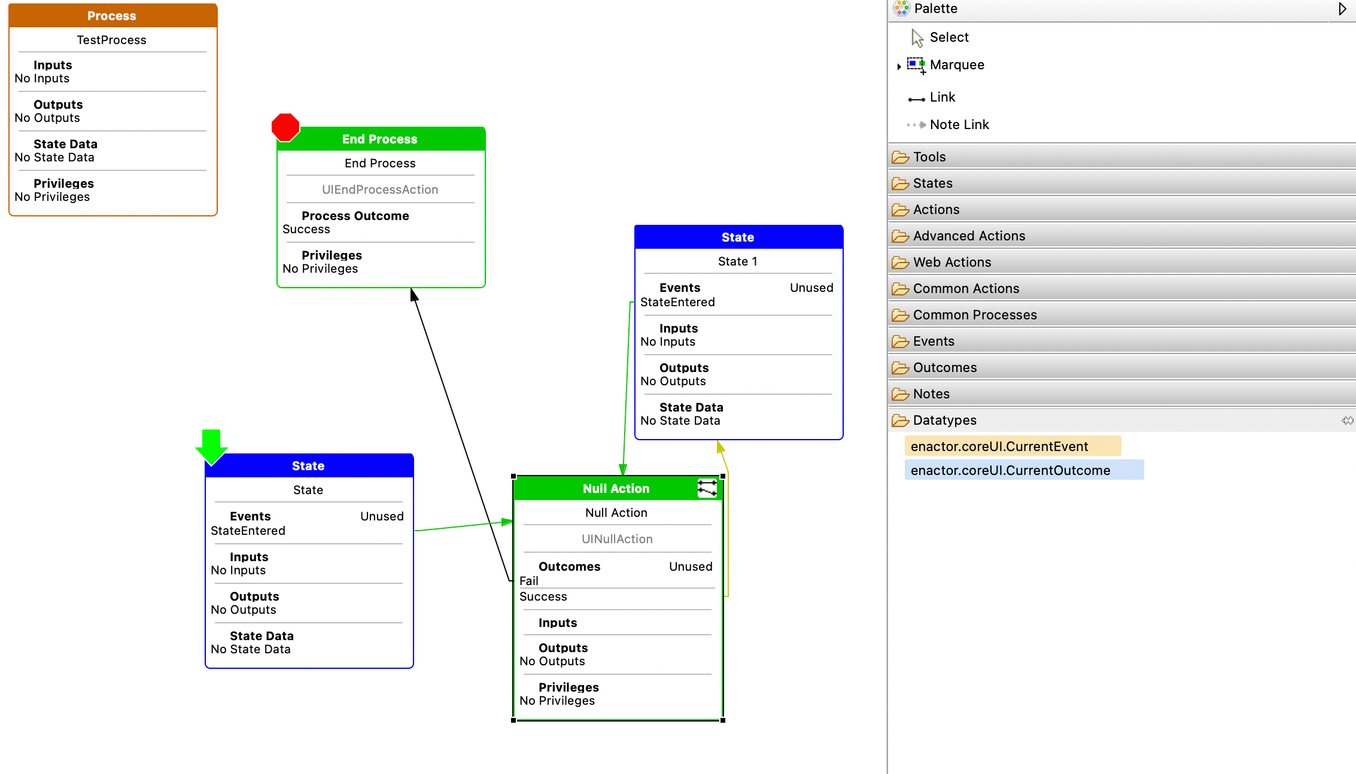
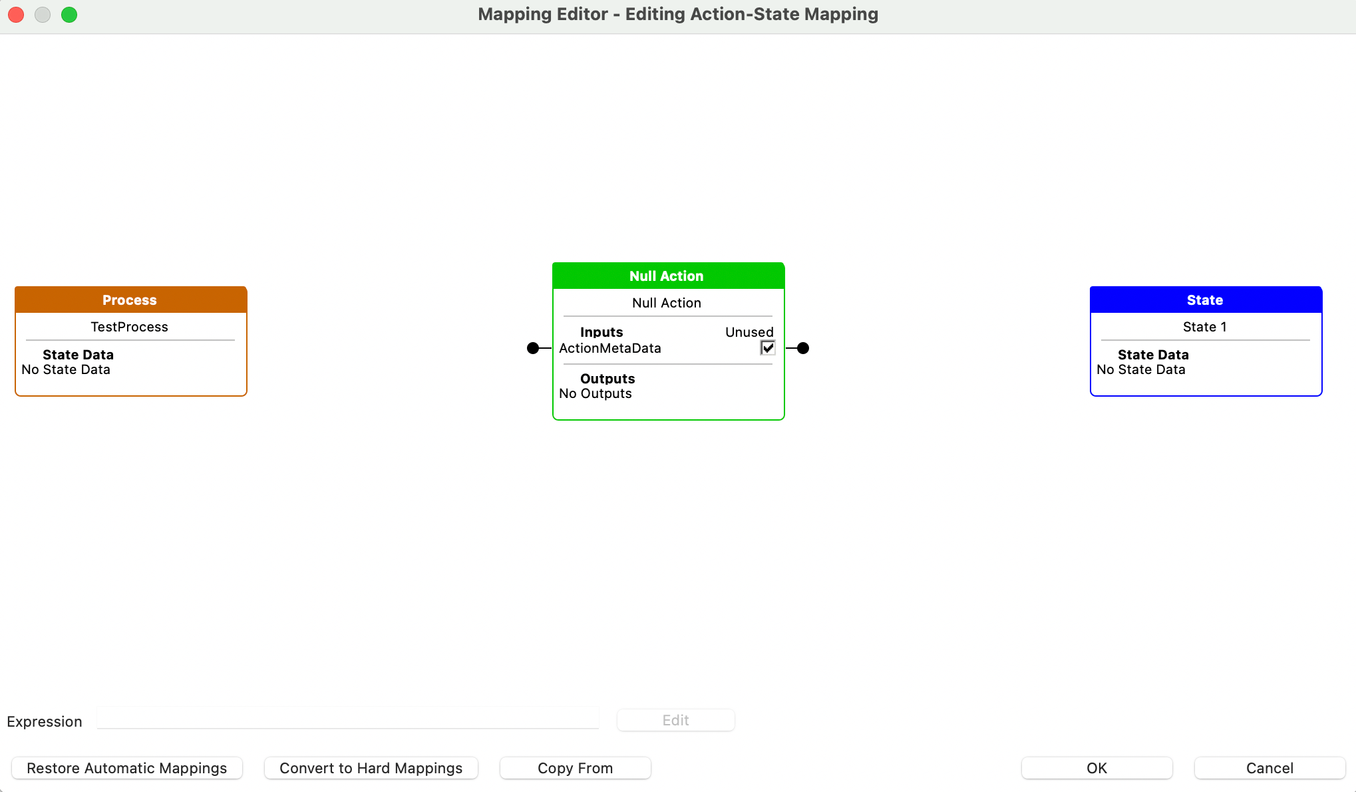
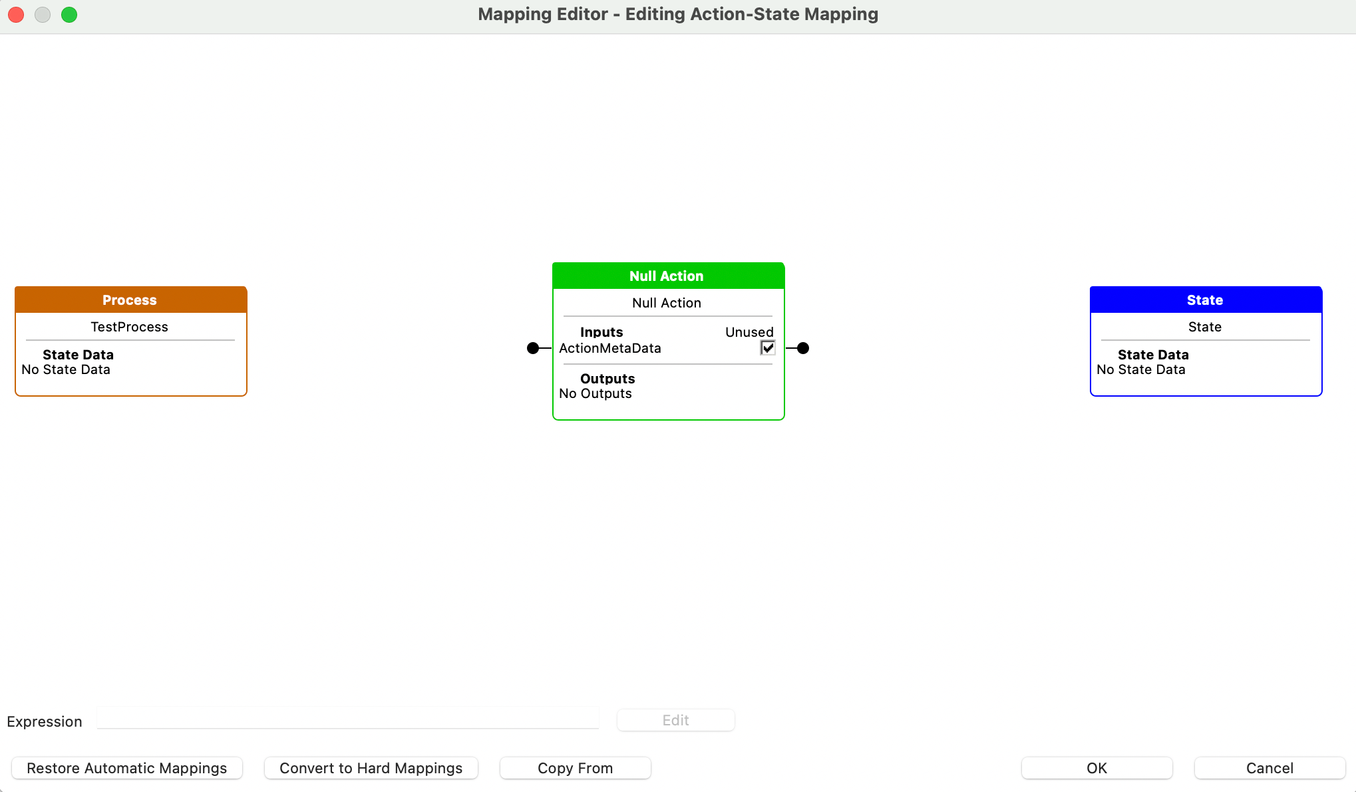
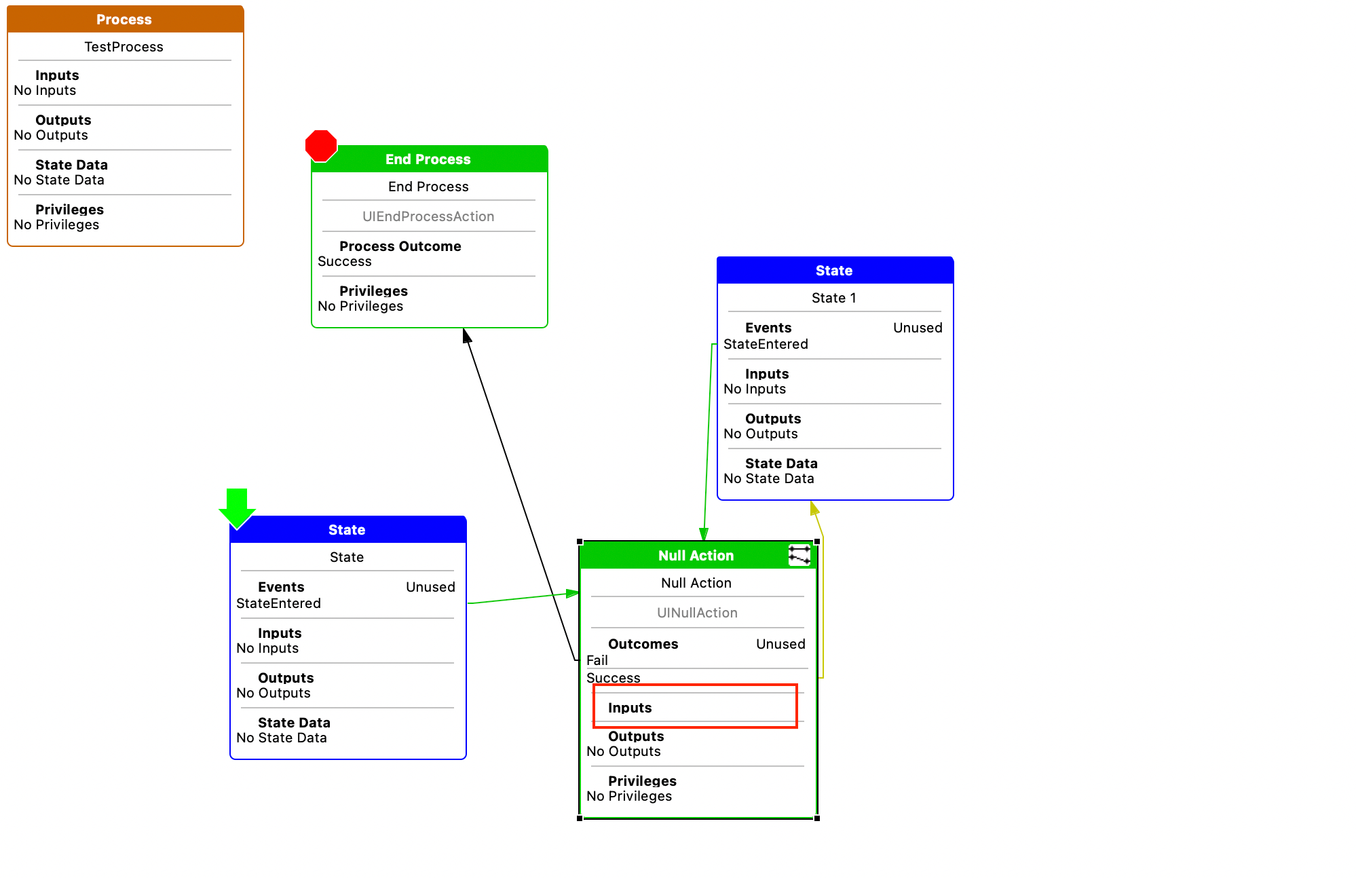
With this release onwards, if an action has unused inputs/outputs it will be not shown in the main process UI.
Application Process Editor Palette
With this release onwards we are adding few important data types to the Application Process Editor Palette.