Organisation Structure
Organisation Structure
Organisation Structure - Topics
Organisation Structure - Objectives and Exercises
Organisation Structure - Example
Organisation Structure - Regional Overview
Organisation Structure - IDs and Descriptions - Best Practices
Exercise 4 - Region Configuration
This will be a group exercise.
Open Groups
Configuration > Organisation > Groups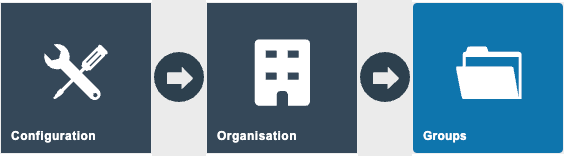
Select the Region Group type
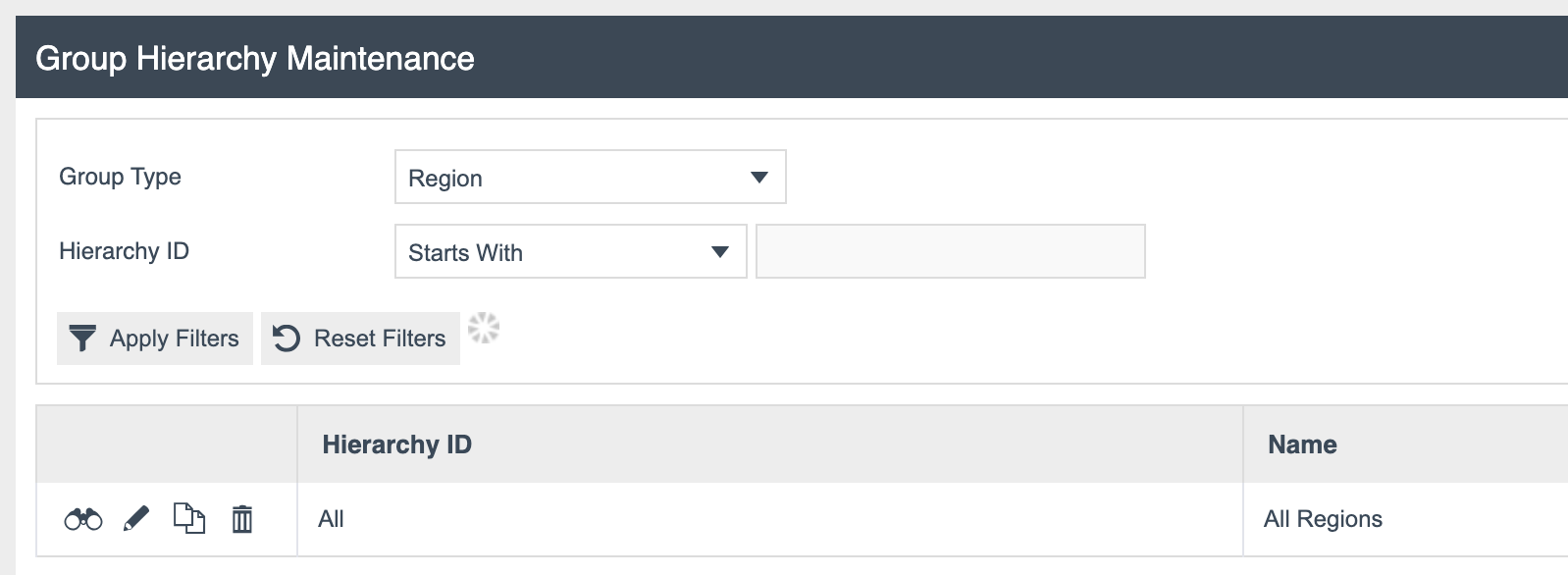
- Edit Region Id = All
- Select the region United Kingdom
Create a new region: Region ID = TrainX-Region; Create
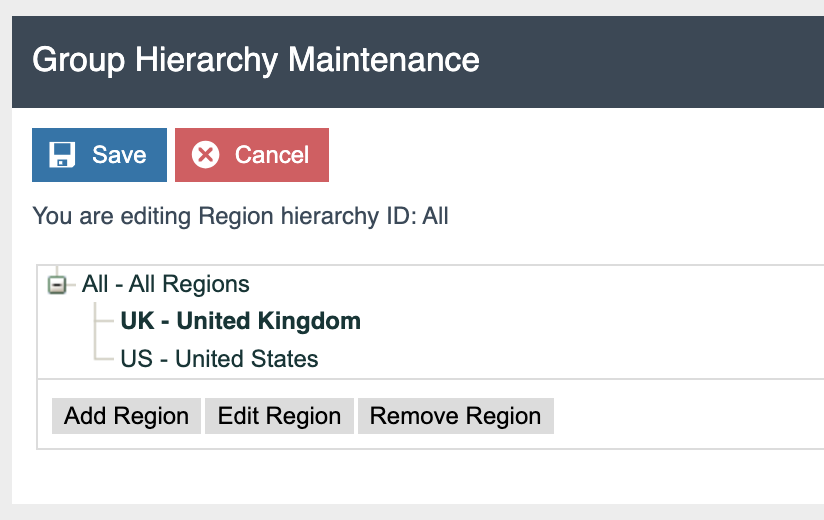
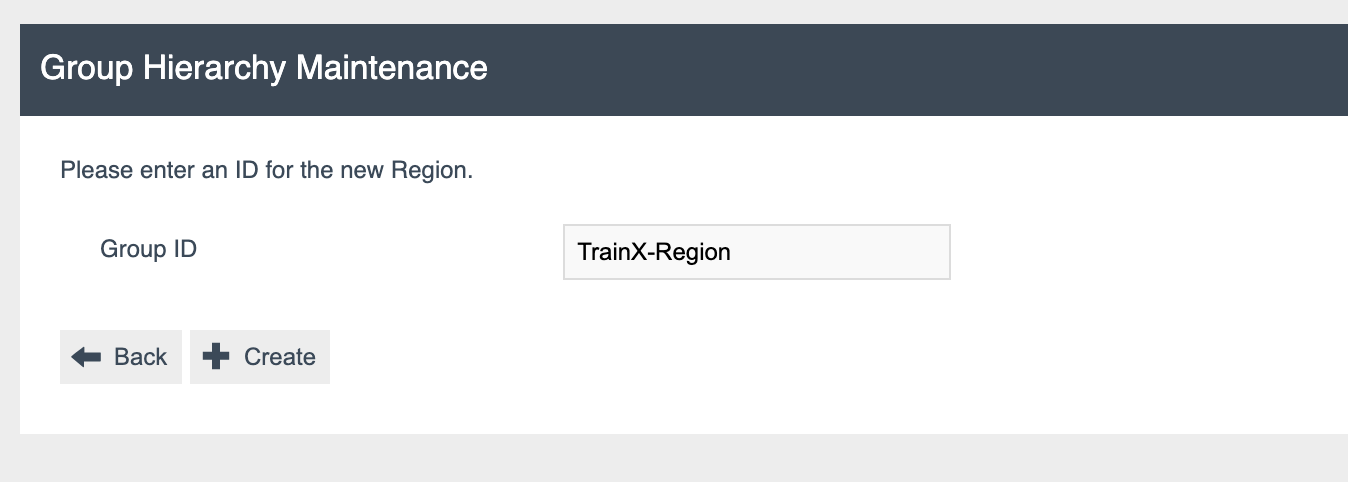
Enter: Name = TrainX Region - {your name}; Currency Id = Pounds Sterling
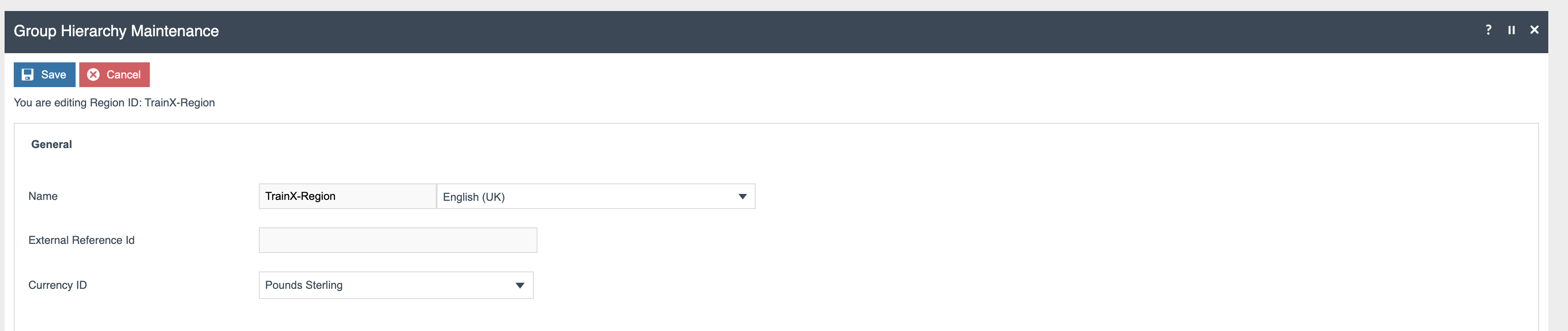
- Save
Exercise 5 - MM Group Configuration
Open Groups
Configuration > Organisation > GroupsSelect the MM Group type

Create a new MM Group Hierarchy: Hierarchy Id = TrainX-MMGroup; Region = All Regions; Create

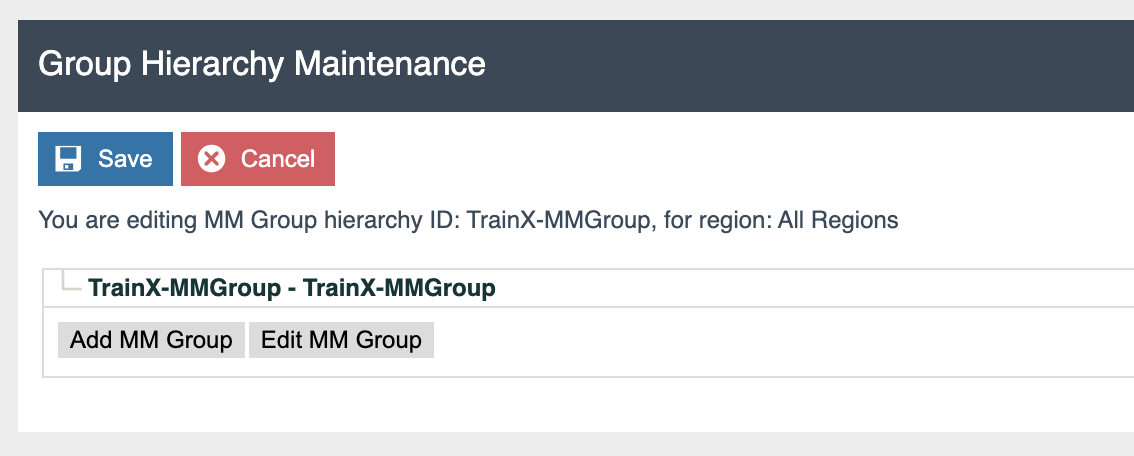
- Add 2 levels under your new MM Group
Select TrainX-MMGroup, Select Add MM Group: Group ID = TRAINX-MERCH; Create; Name = TrainX Merchandise Products; Save
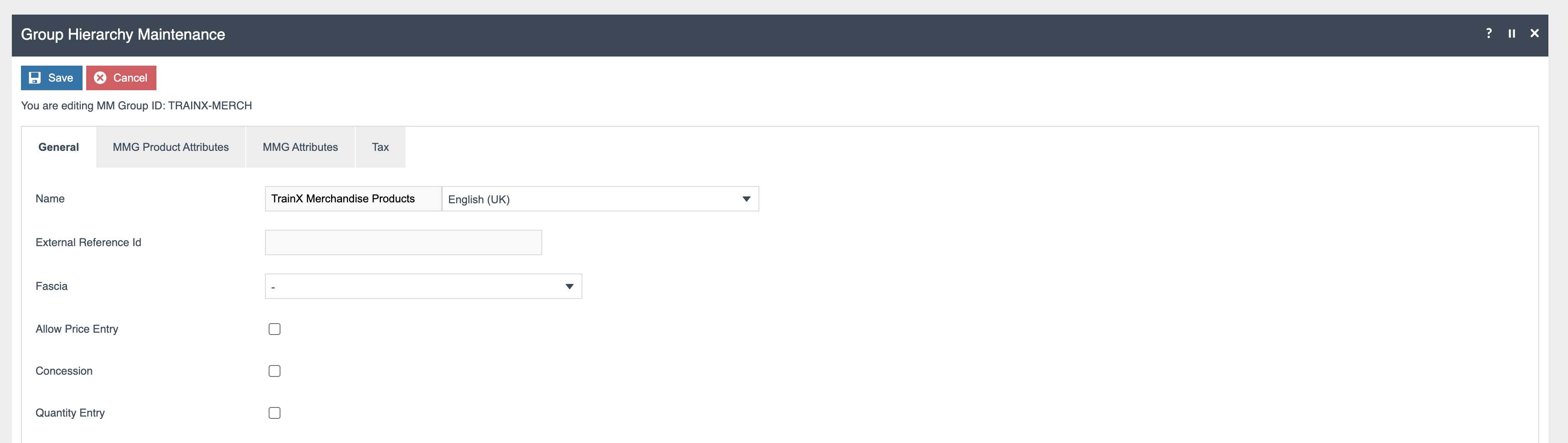
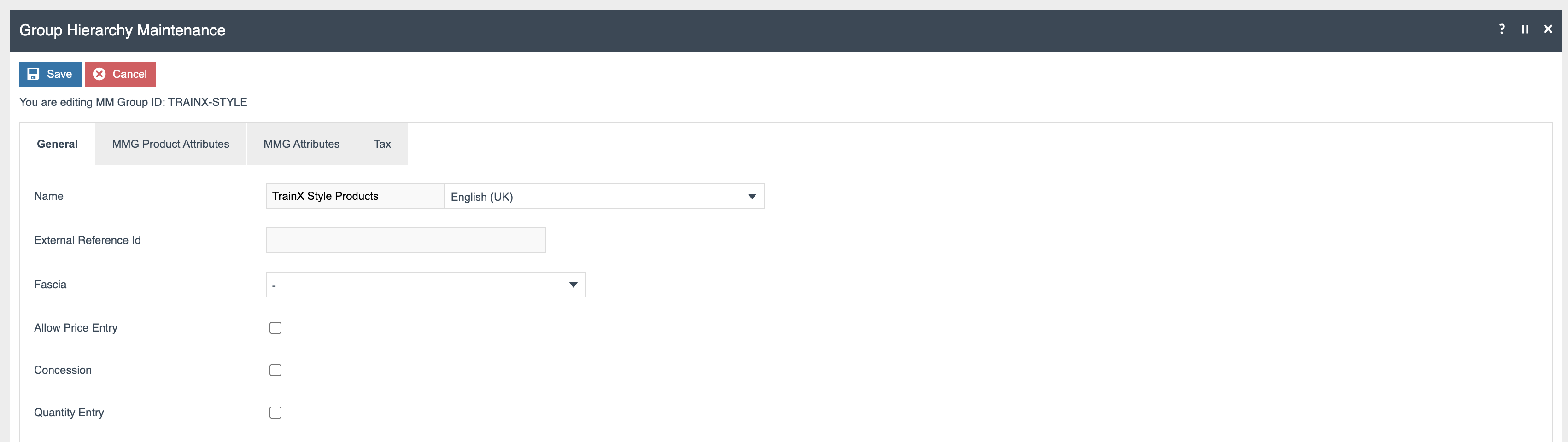
Select Add MM Group: Group ID = TRAINX-STYLE; Create; Name = TrainX Style Products; Save; Save
Discussion
- Why is Organisation Structure configured first?
- What is the purpose of the region and MM Group structures?
- What does MM stand for?
Further Reading
For additional information and further reading on Organisation Structure, please see the following guides:
| Document | Description |
|---|---|
| How to: Create a New User | Creating and configuring users, roles and templates |
| How to: Company | Configuring the base company record |
| How to: Country Codes | Configuring country codes |
| How to: Currency | Configuring currencies |
| How to: Locale | Configuring locales |
| How to: Groups | Configuring group hierarchies |