Day Three Recap and Preparation

Recap and Preparation

Slide 6


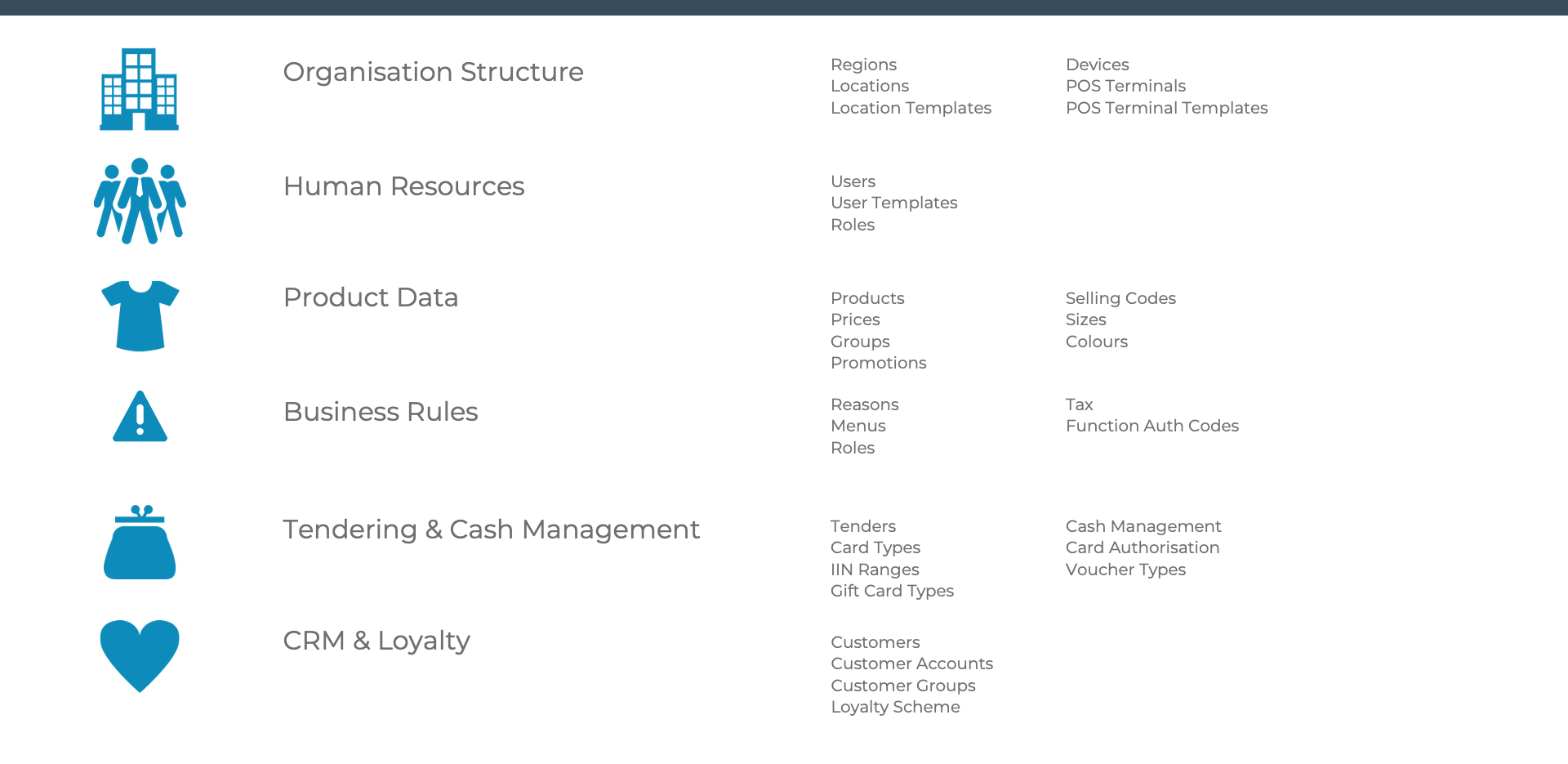
Overview of Enactor Configuration

Overview of Enactor Configuration


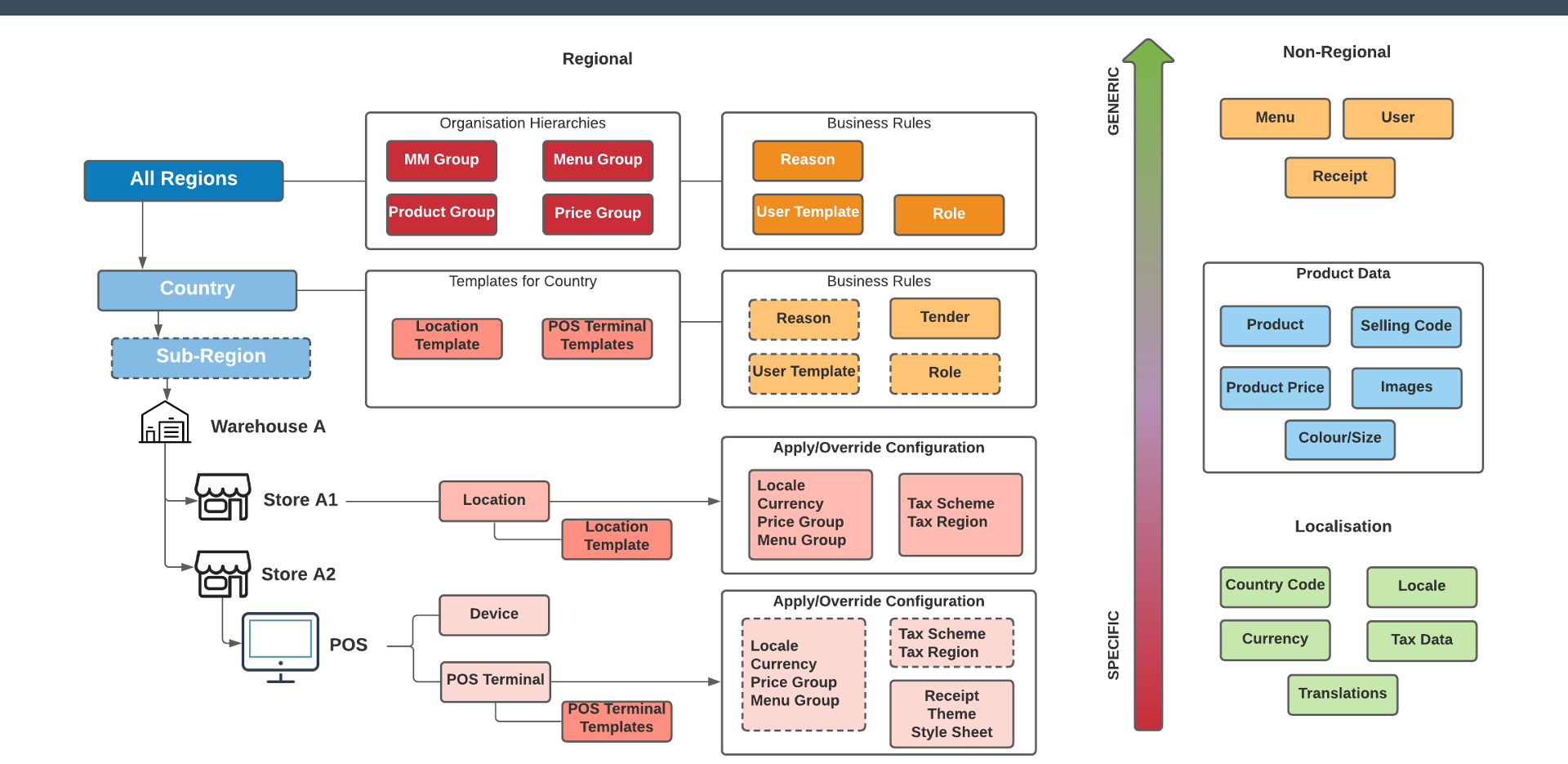
Regional Configuration Overview

Regional Configuration Overview


Broadcast Configuration

  1. Find and Edit the Predefined Broadcast Configuration you created on Day One (should have an ID of TRAINx)
  2. Check that it is targeted at All Stores
  3. Amend the Details tab so that the following entities are included (if there are others in there too, that doesn't matter): Menu; Reason; Tender; User; User Defined Privilege; Promotion
  4. Save your Predefined Broadcast

POS and Location Configuration

Set your location so it belongs in Your Region

Set the Menu Group on your location so it uses your Menu Group (Train x Menu Group)

Set the Default Menu Group on your location to Fashion

Save your Location

Make sure the device of your POS (e.g. pos11@0001.enactor) is set to your Store location.