Payment Configuration Scenarios
Payment Configuration Scenarios
Configuration Scenarios Overview
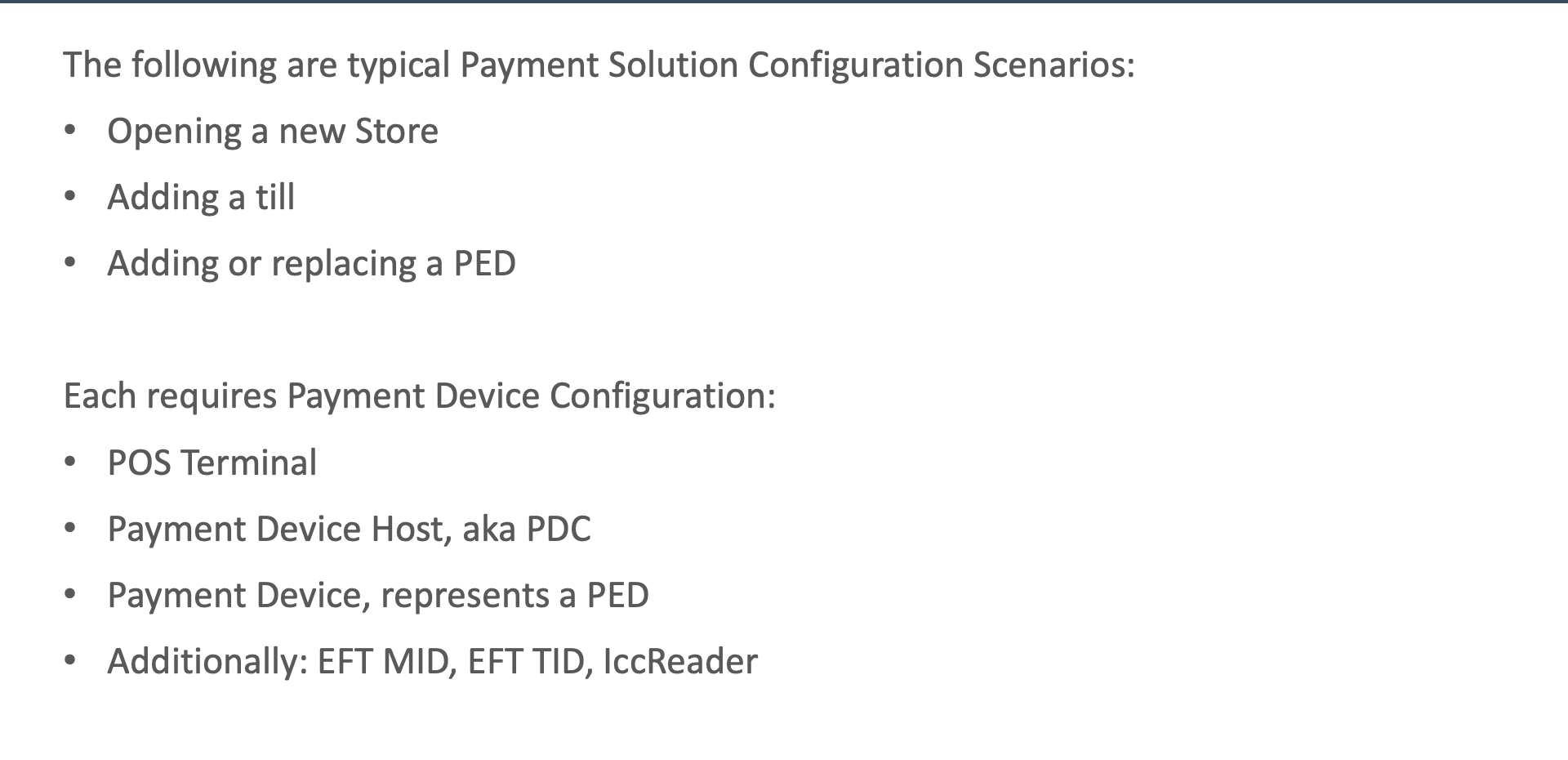
Common Scenarios
- Opening a new store - full payment configuration from scratch
- Adding a till - adding a new POS terminal with payment capability
- Adding or replacing a PED - deploying a new or replacement payment device
Required Entities
- POS Terminal - the point of sale terminal
- Payment Device Host (PDC) - the Payment Device Controller
- Payment Device (PED) - the PIN Entry Device
- EFT MID - the Merchant ID for the acquirer
- EFT TID - the Terminal ID for the acquirer
- ICC Reader - the chip card reader configuration
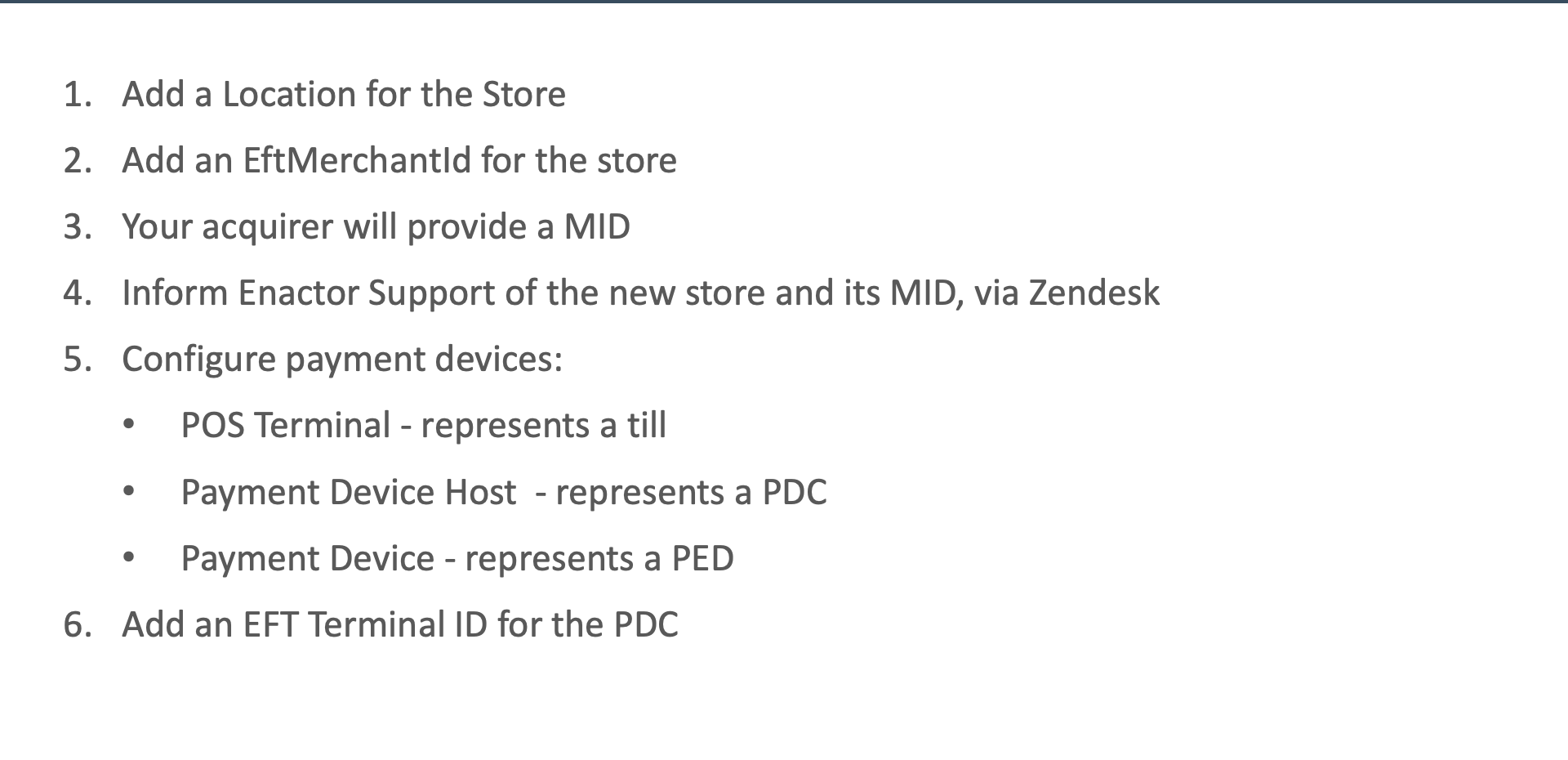
Opening a Store
Steps
- Add Location - create the store location in Estate Manager
- Add EFT Merchant ID - create the EftMerchantId entity for the store
- Get MID from acquirer - obtain the Merchant ID from the payment acquirer
- Inform Enactor Support - notify Enactor Support so they can configure the gateway
- Configure devices - set up POS Terminal, PDC, PED, and ICC Reader entities
- Add EFT Terminal ID - create the EFT TID for each terminal
Offline TIDs
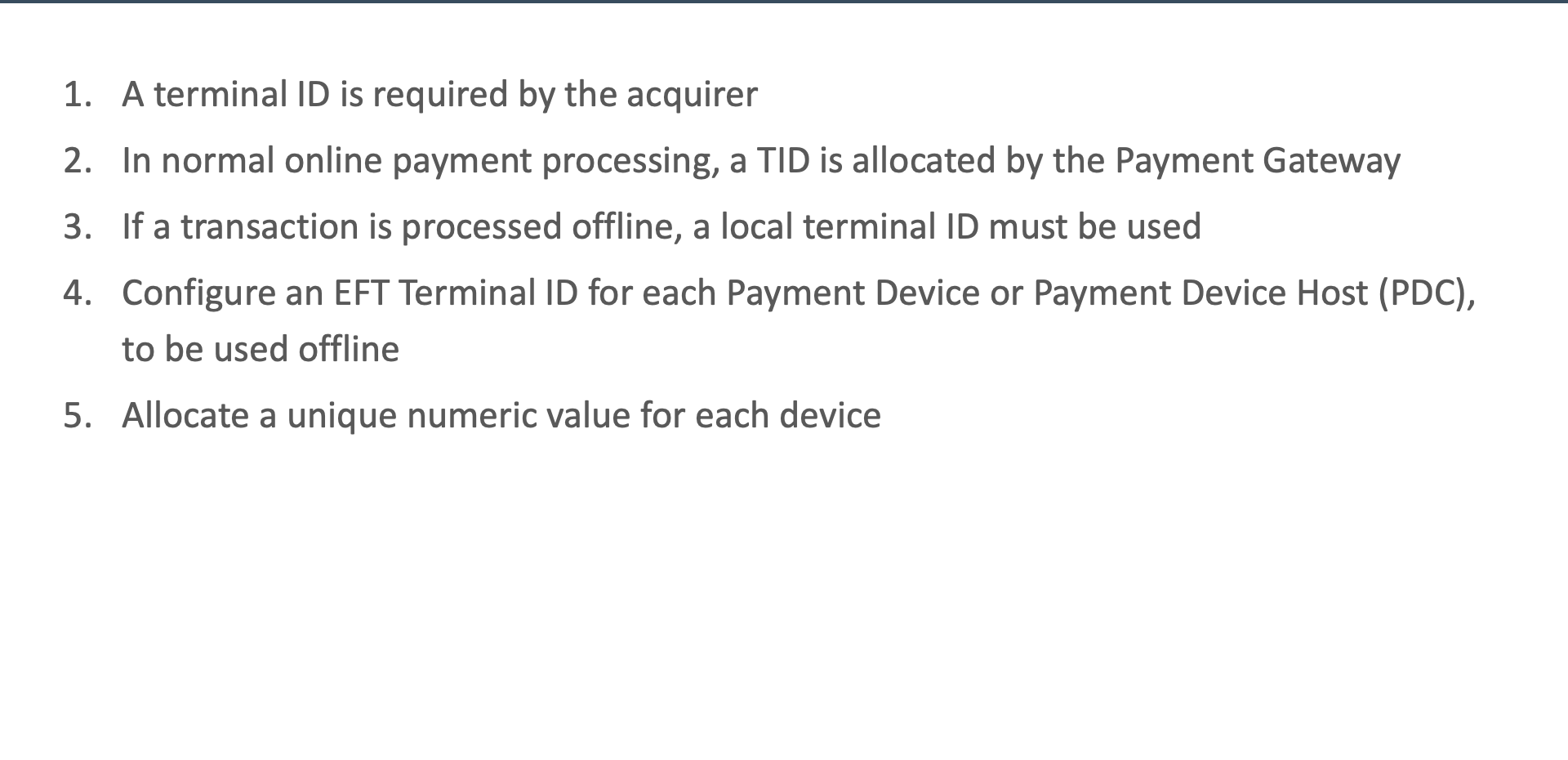
TID Requirements
- A TID (Terminal ID) is required by the acquirer to identify each terminal
- The online TID is allocated by the payment gateway automatically
- An offline TID is needed for local/offline transactions
Offline TID Configuration
- Configured per PDC (Payment Device Controller)
- Must be a unique numeric value
- Required when the terminal needs to process transactions without gateway connectivity
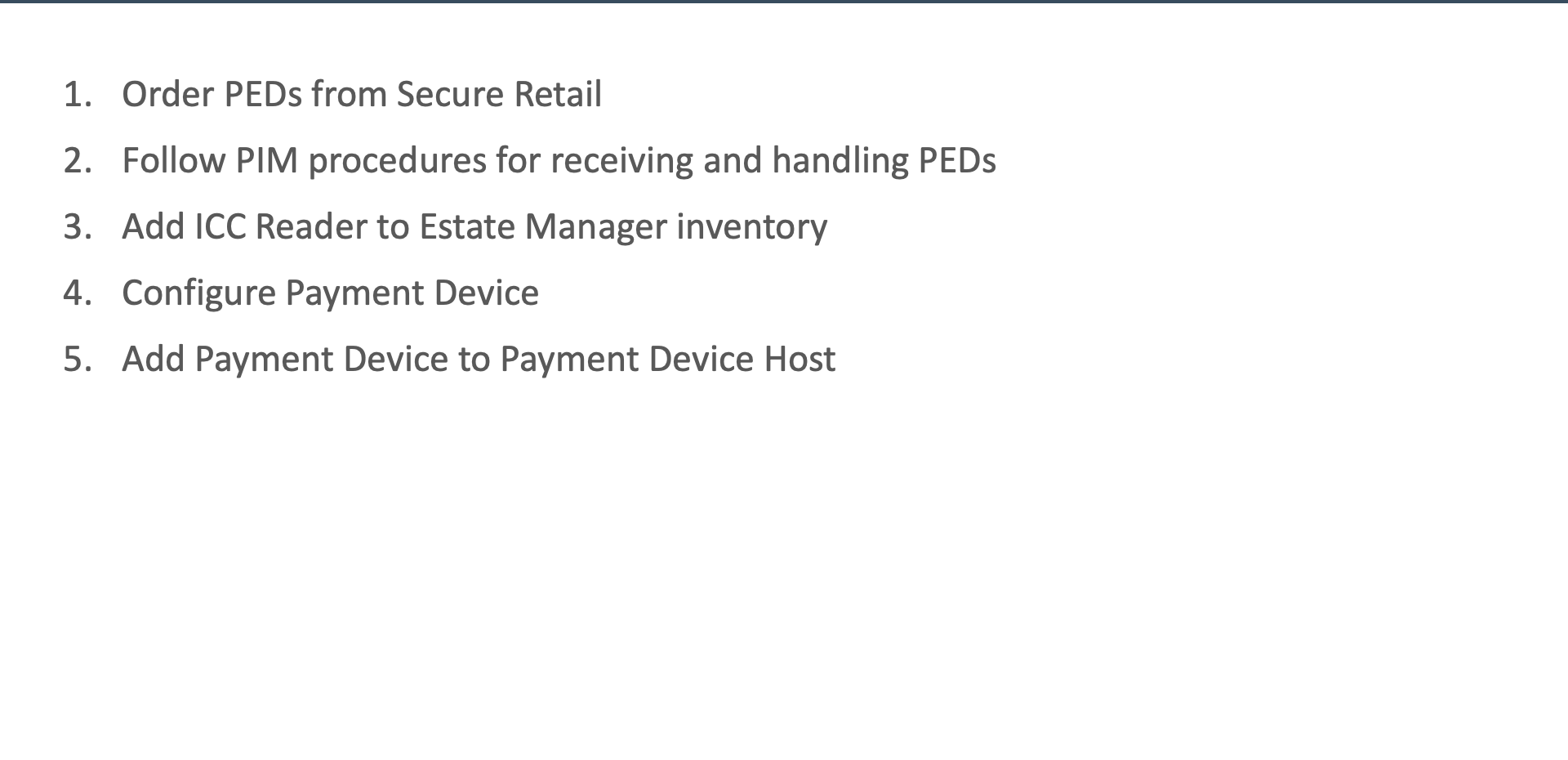
Deploying New PEDs
Steps
- Order from Secure Retail - request new PEDs from the component provider
- Follow the PIM - inspect tamper-evident packaging and record inventory on receipt
- Add ICC Reader - create the ICC Reader entity in Estate Manager
- Configure Payment Device - create the Payment Device entity with address and settings
- Add to Payment Device Host - associate the new PED with the PDC
PED IP Address
Network Configuration
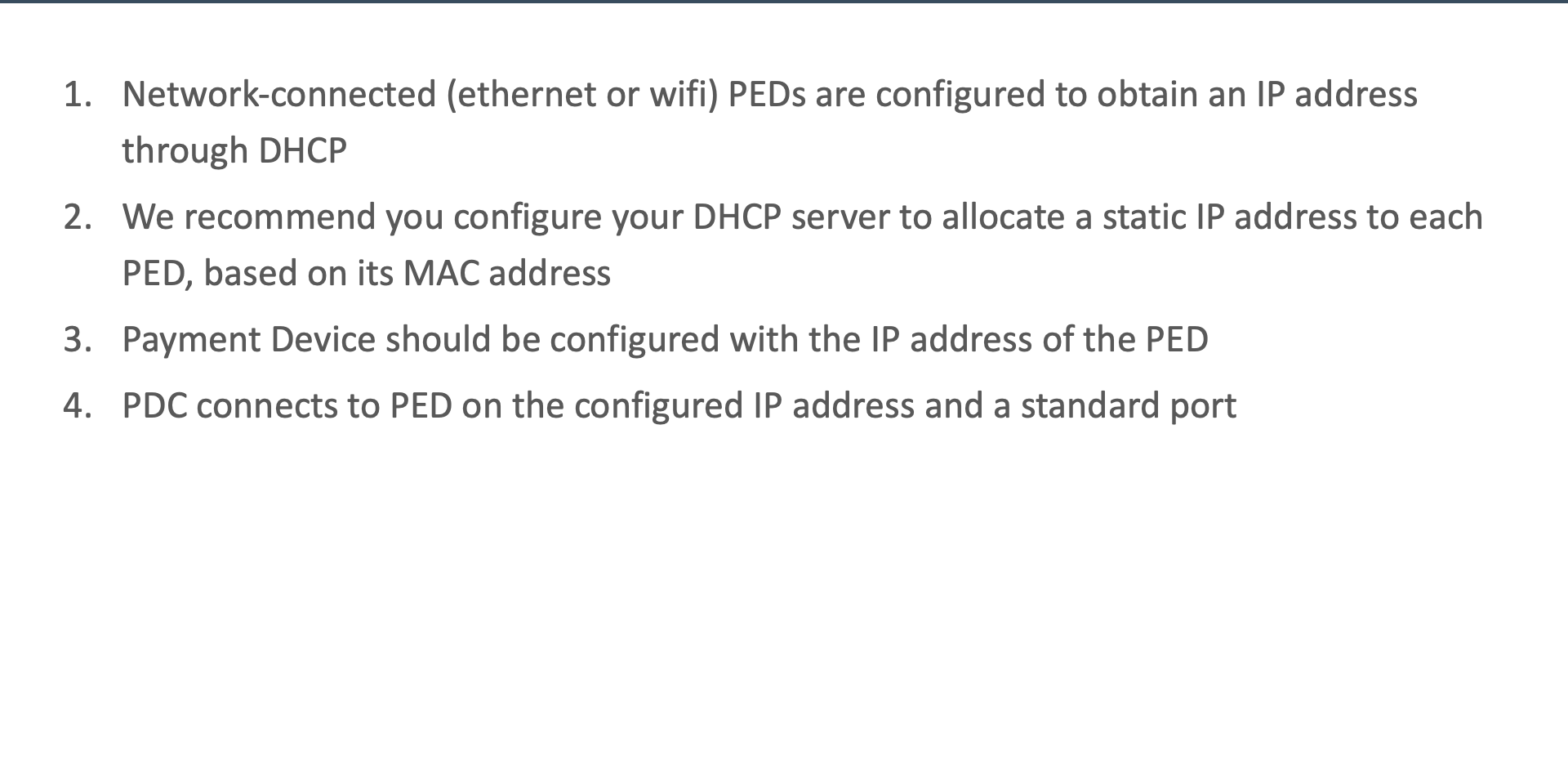
- DHCP recommended with static allocation by MAC address
- Ensures the PED always receives the same IP address without manual configuration on the device
Estate Manager Configuration
- Configure the Payment Device entity with the PED's allocated IP address
- The PDC connects to the PED on the standard port
- IP address must match between DHCP reservation and Payment Device configuration
Further Reading
For additional information and further reading on Payment Configuration Scenarios, please see the following guides: