Troubleshooting

Settlement Troubleshooting
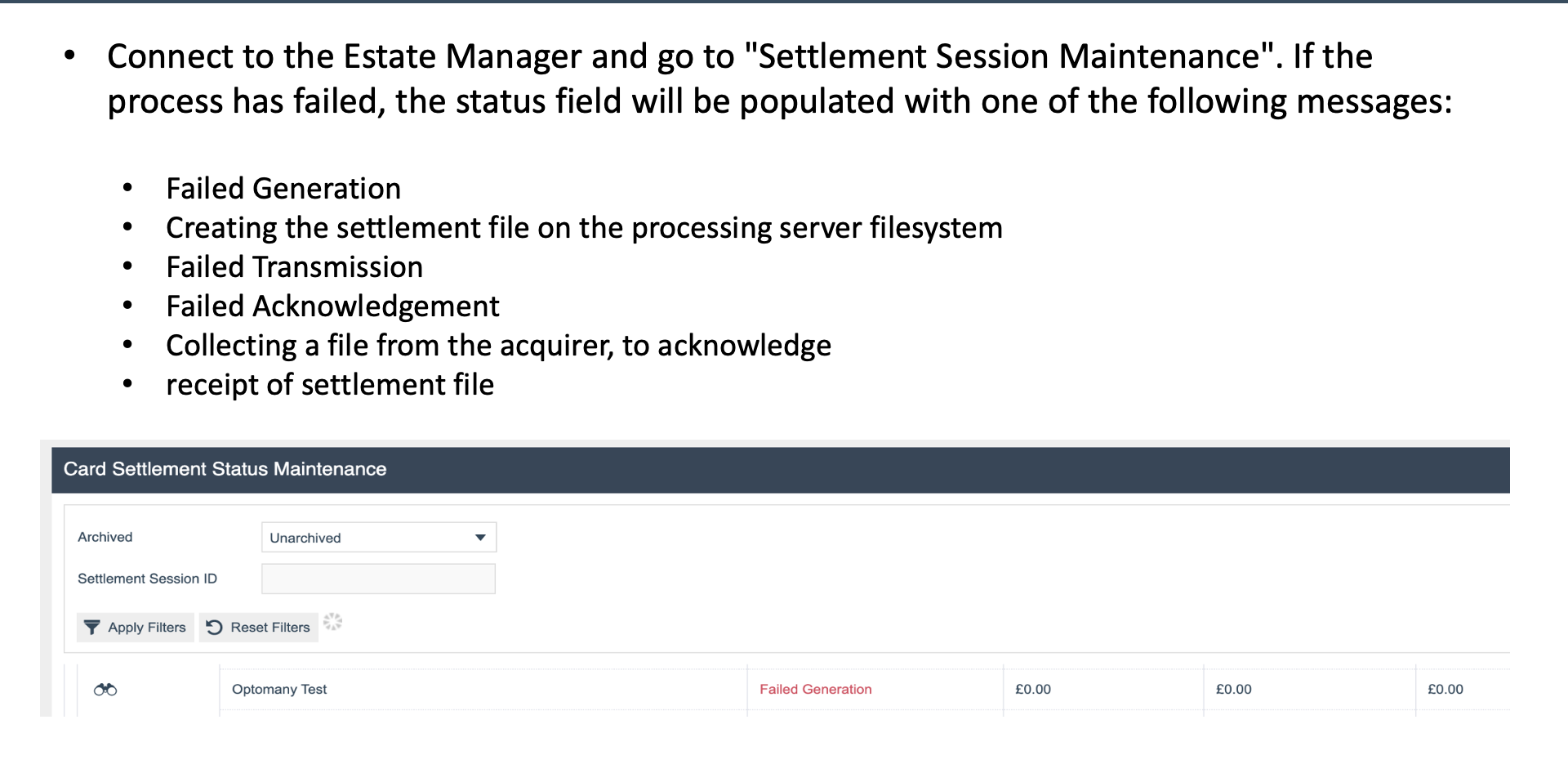
Diagnosing Settlement Failures
- Check Settlement Session Maintenance for the current session status
- Look for failures at each stage:
- Failed Generation - the settlement file could not be created
- Failed Transmission - the file could not be sent to the acquirer
- Failed Acknowledgement - the acquirer response could not be retrieved
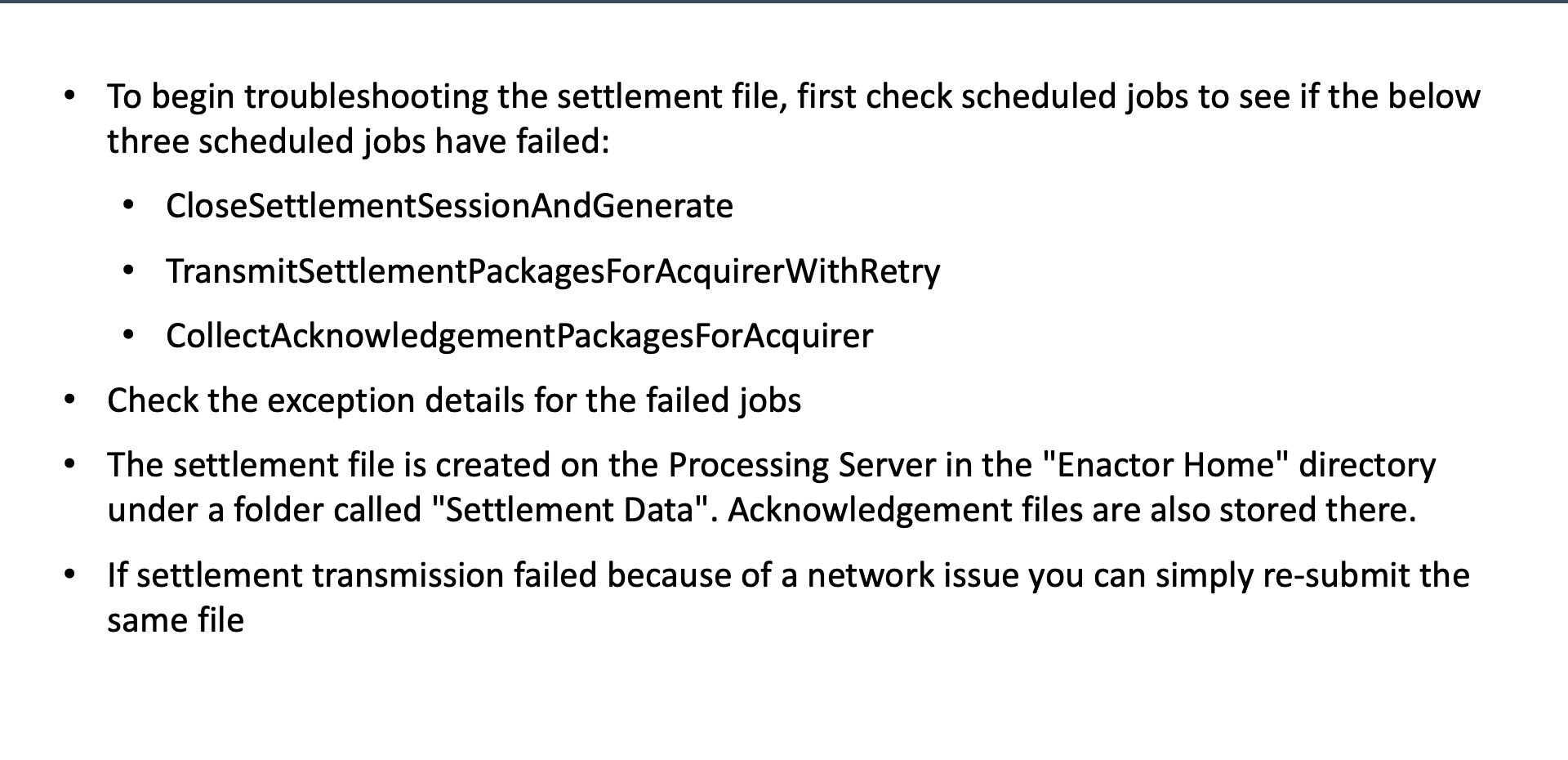
Scheduled Job Checks
Three Settlement Scheduled Jobs
- CloseSettlementSessionAndGenerate - closes the session and generates settlement files
- TransmitSettlementPackagesForAcquirerWithRetry - transmits files to the acquirer with automatic retry
- CollectAcknowledgementPackagesForAcquirer - retrieves acknowledgement responses from the acquirer
Settlement File Location
- Settlement files are stored in Enactor Home / Settlement Data
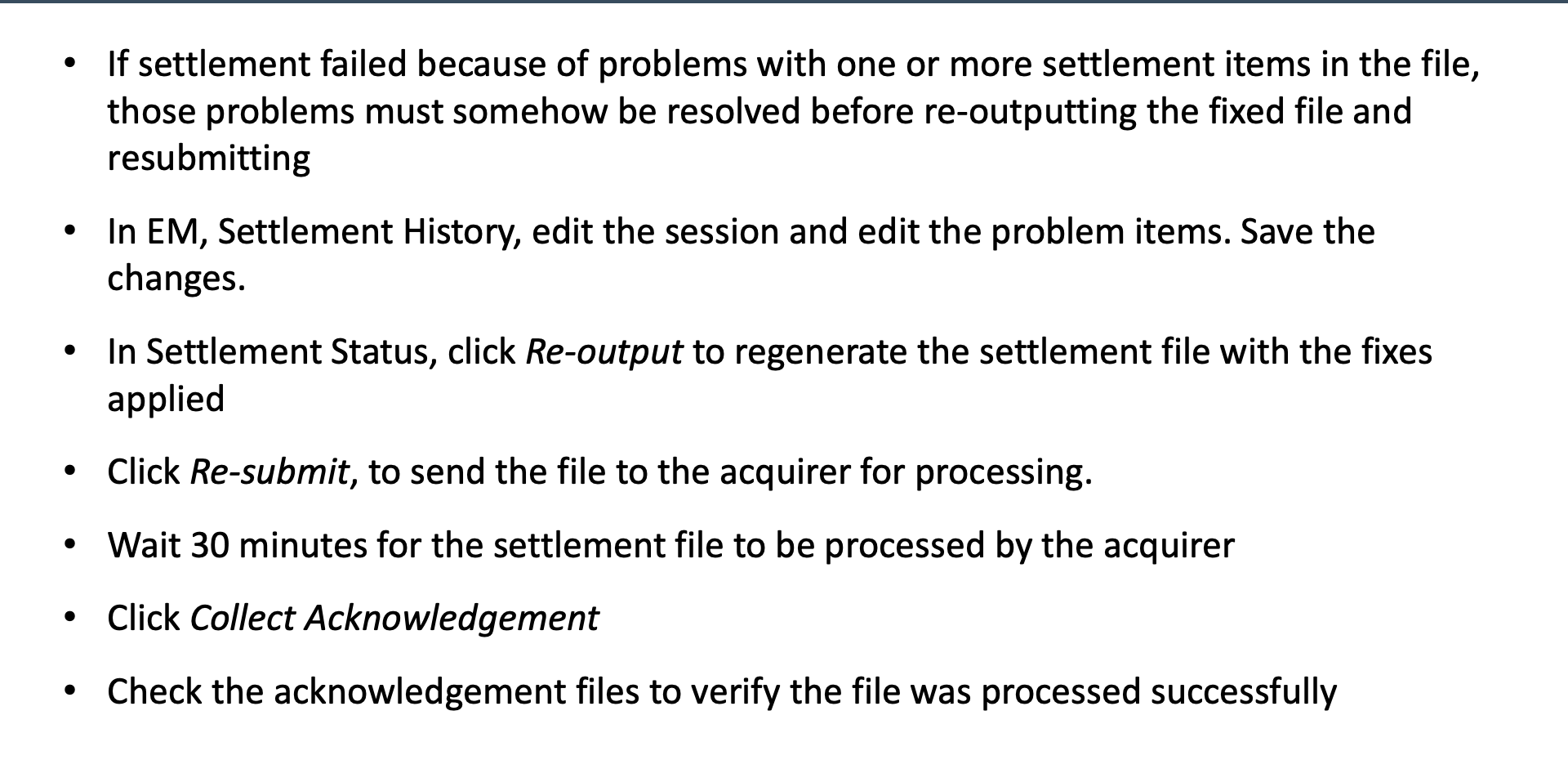
Fix and Re-output
Fix Procedure
- Edit problem items - correct the affected items in Settlement History
- Re-output - regenerate the settlement file with the corrected items
- Re-submit - send the corrected file to the acquirer
- Wait 30 minutes - allow time for the acquirer to process
- Collect Acknowledgement - retrieve the acquirer's response for the resubmitted file