
Branding Configuration
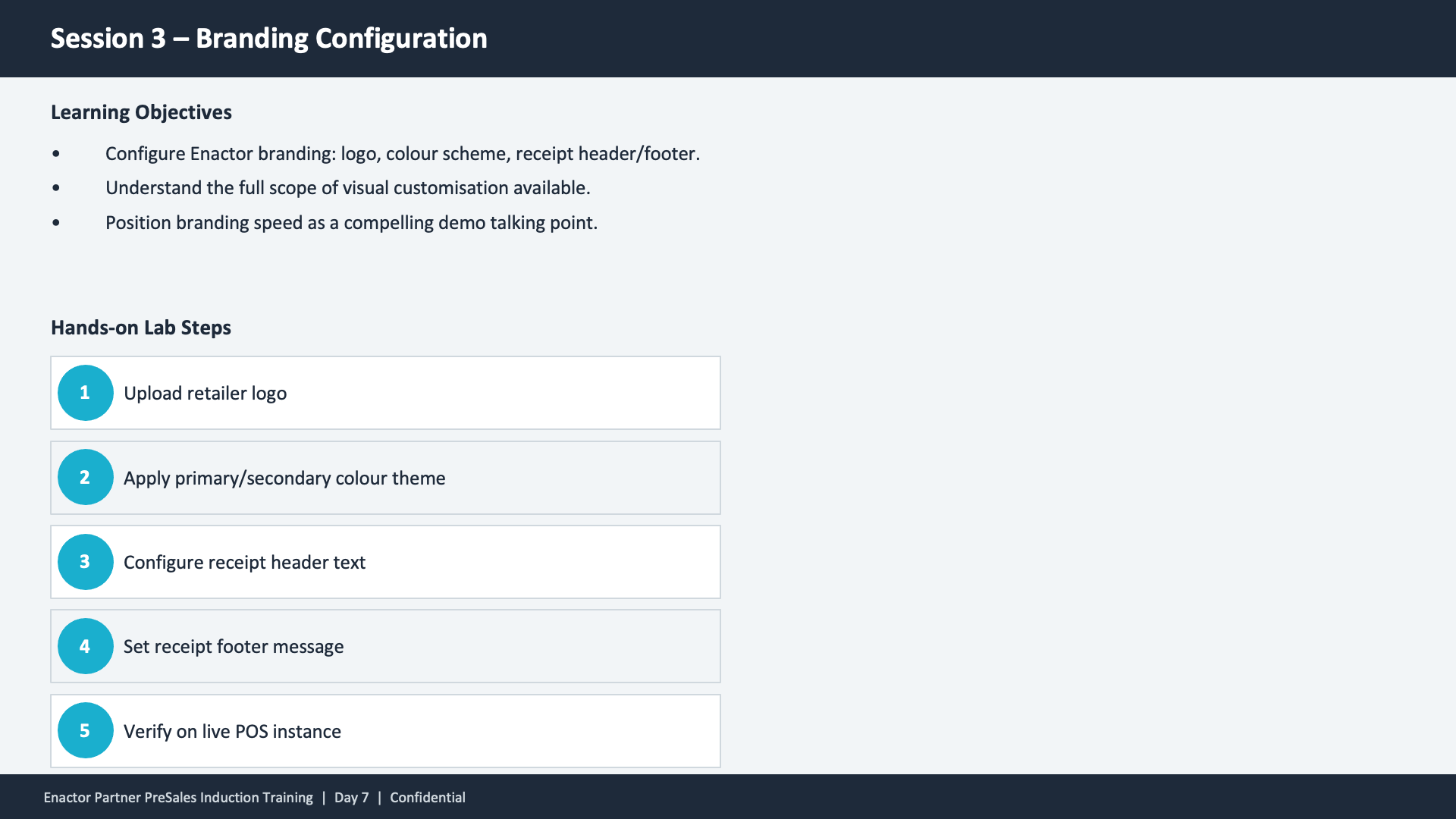
Session 3 content slide. Header: Session 3 -- Branding Configuration (dark banner). Two sections. Top section -- Learning Objectives: Configure Enactor branding: logo, colour scheme, receipt header/footer. Understand the full scope of visual customisation available. Position branding speed as a compelling demo talking point. Bottom section -- Hands-on Lab Steps with five numbered teal circles: (1) Upload retailer logo. (2) Apply primary/secondary colour theme. (3) Configure receipt header text. (4) Set receipt footer message. (5) Verify on live POS instance. Footer: Enactor Partner PreSales Induction Training | Day 7 | Confidential.

This slide covers Session 3 learning objectives and hands-on lab steps. The three objectives are configuring Enactor branding (logo, colour scheme, receipt header/footer), understanding the full scope of visual customisation, and positioning branding speed as a compelling demo talking point. The five hands-on lab steps walk participants through uploading a retailer logo, applying a colour theme, configuring receipt header text, setting a receipt footer message, and verifying the changes on a live POS instance.