Planning a POS Demo

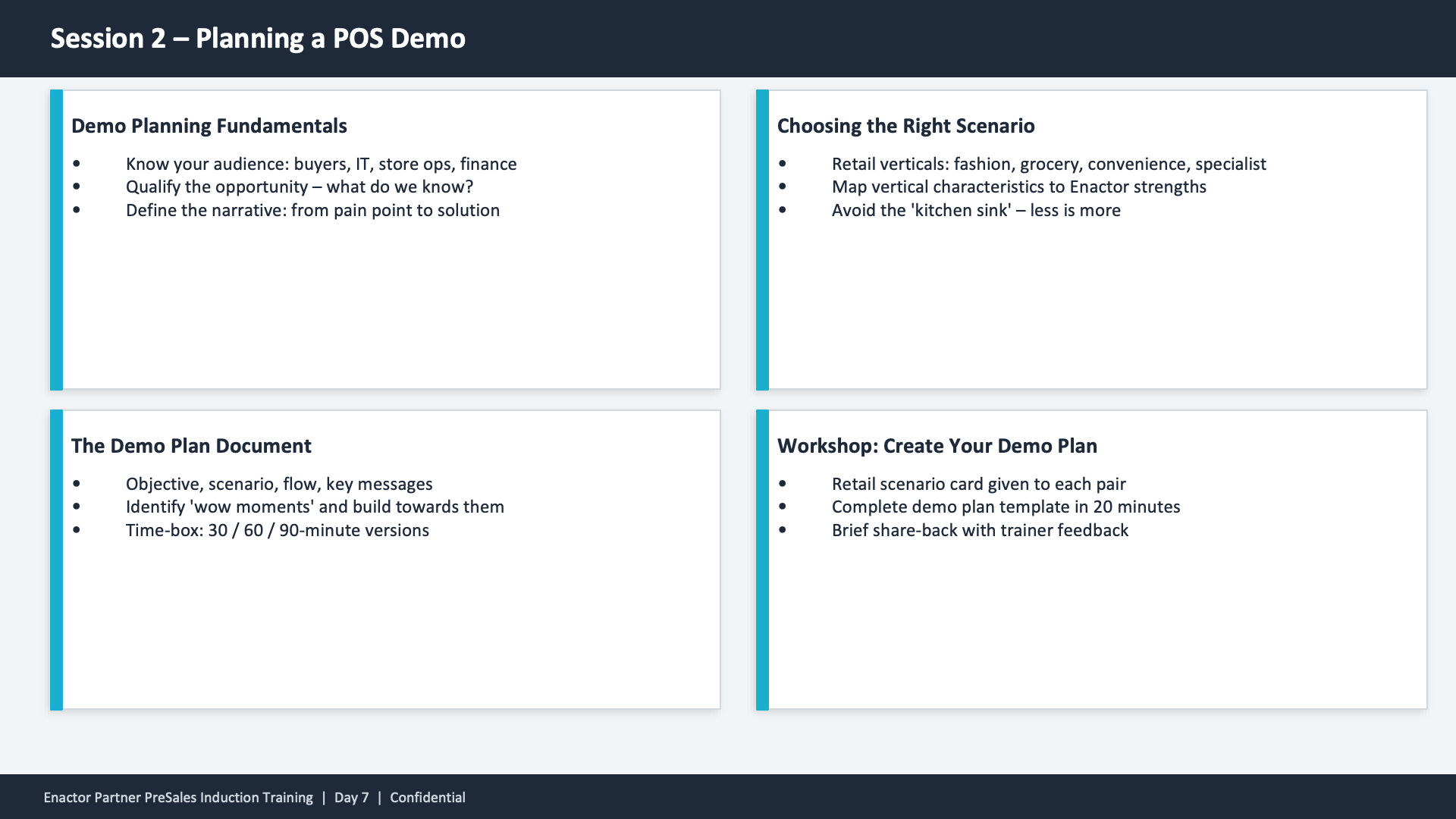
Session 2 content slide. Header: Session 2 -- Planning a POS Demo (dark banner). Four cards in a 2x2 grid layout, each with a teal left border. Top-left: Demo Planning Fundamentals -- Know your audience: buyers, IT, store ops, finance. Qualify the opportunity -- what do we know? Define the narrative: from pain point to solution. Top-right: Choosing the Right Scenario -- Retail verticals: fashion, grocery, convenience, specialist. Map vertical characteristics to Enactor strengths. Avoid the 'kitchen sink' -- less is more. Bottom-left: The Demo Plan Document -- Objective, scenario, flow, key messages. Identify 'wow moments' and build towards them. Time-box: 30 / 60 / 90-minute versions. Bottom-right: Workshop: Create Your Demo Plan -- Retail scenario card given to each pair. Complete demo plan template in 20 minutes. Brief share-back with trainer feedback. Footer: Enactor Partner PreSales Induction Training | Day 7 | Confidential.

This slide presents four key topics for Session 2 in a card grid layout. Demo Planning Fundamentals covers audience analysis, opportunity qualification, and narrative definition. Choosing the Right Scenario addresses retail vertical selection and mapping to Enactor strengths. The Demo Plan Document describes the structure including objectives, scenario, flow, key messages, wow moments, and time-boxing. The Workshop activity has pairs receive a retail scenario card and complete a demo plan template in 20 minutes followed by a share-back with trainer feedback.