
Product Data Creation
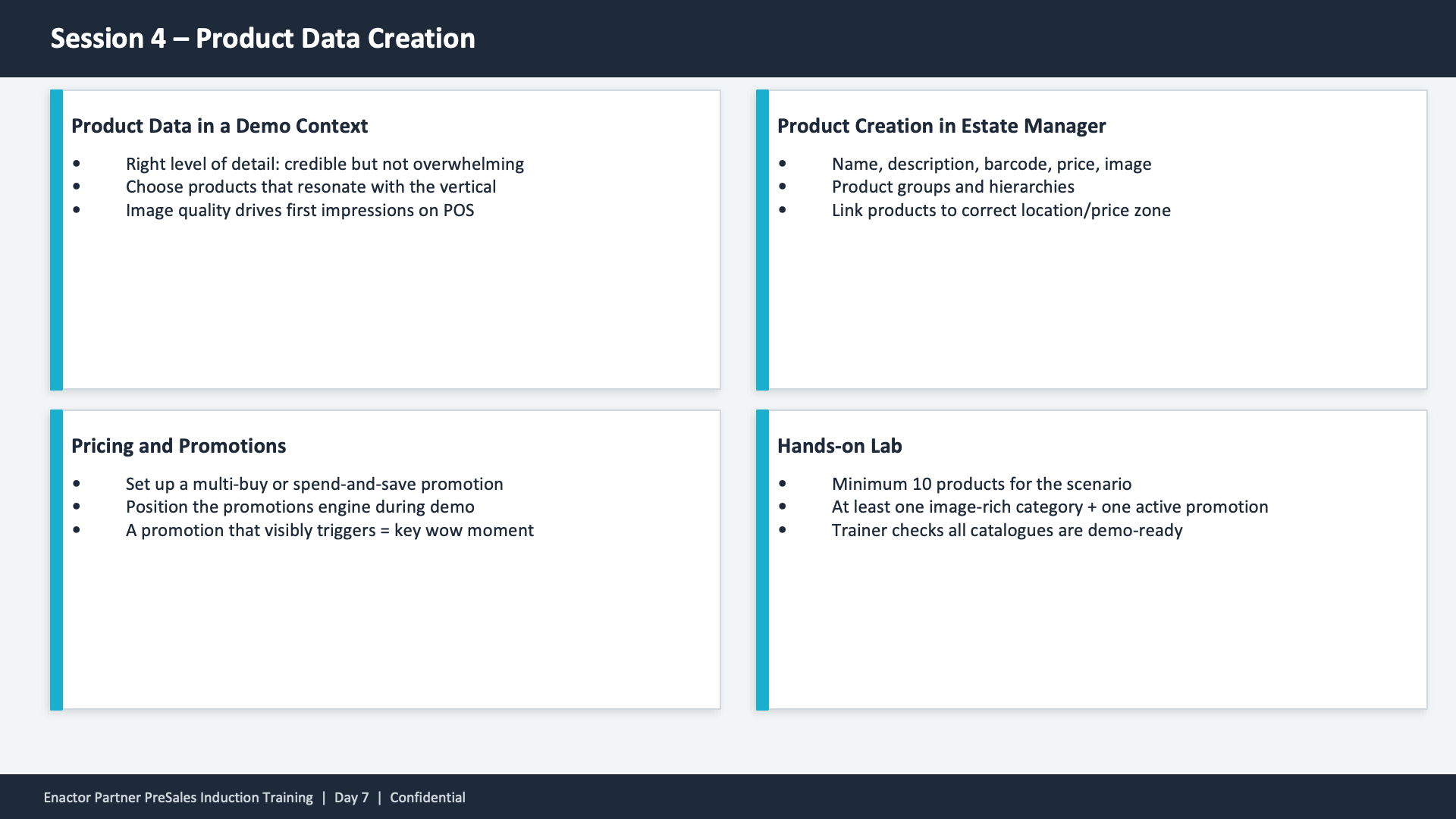
Session 4 content slide. Header: Session 4 -- Product Data Creation (dark banner). Four cards in a 2x2 grid layout, each with a teal left border. Top-left: Product Data in a Demo Context -- Right level of detail: credible but not overwhelming. Choose products that resonate with the vertical. Image quality drives first impressions on POS. Top-right: Product Creation in Estate Manager -- Name, description, barcode, price, image. Product groups and hierarchies. Link products to correct location/price zone. Bottom-left: Pricing and Promotions -- Set up a multi-buy or spend-and-save promotion. Position the promotions engine during demo. A promotion that visibly triggers = key wow moment. Bottom-right: Hands-on Lab -- Minimum 10 products for the scenario. At least one image-rich category + one active promotion. Trainer checks all catalogues are demo-ready. Footer: Enactor Partner PreSales Induction Training | Day 7 | Confidential.

This slide presents four key topics for Session 4 in a card grid layout. Product Data in a Demo Context covers the right level of detail, choosing vertical-appropriate products, and the importance of image quality. Product Creation in Estate Manager covers name, description, barcode, price, image, product groups and hierarchies, and linking to correct location/price zone. Pricing and Promotions covers setting up multi-buy or spend-and-save promotions and positioning the promotions engine as a key wow moment. The Hands-on Lab requires minimum 10 products, at least one image-rich category plus one active promotion, with trainer verification that all catalogues are demo-ready.