Testing the Demo

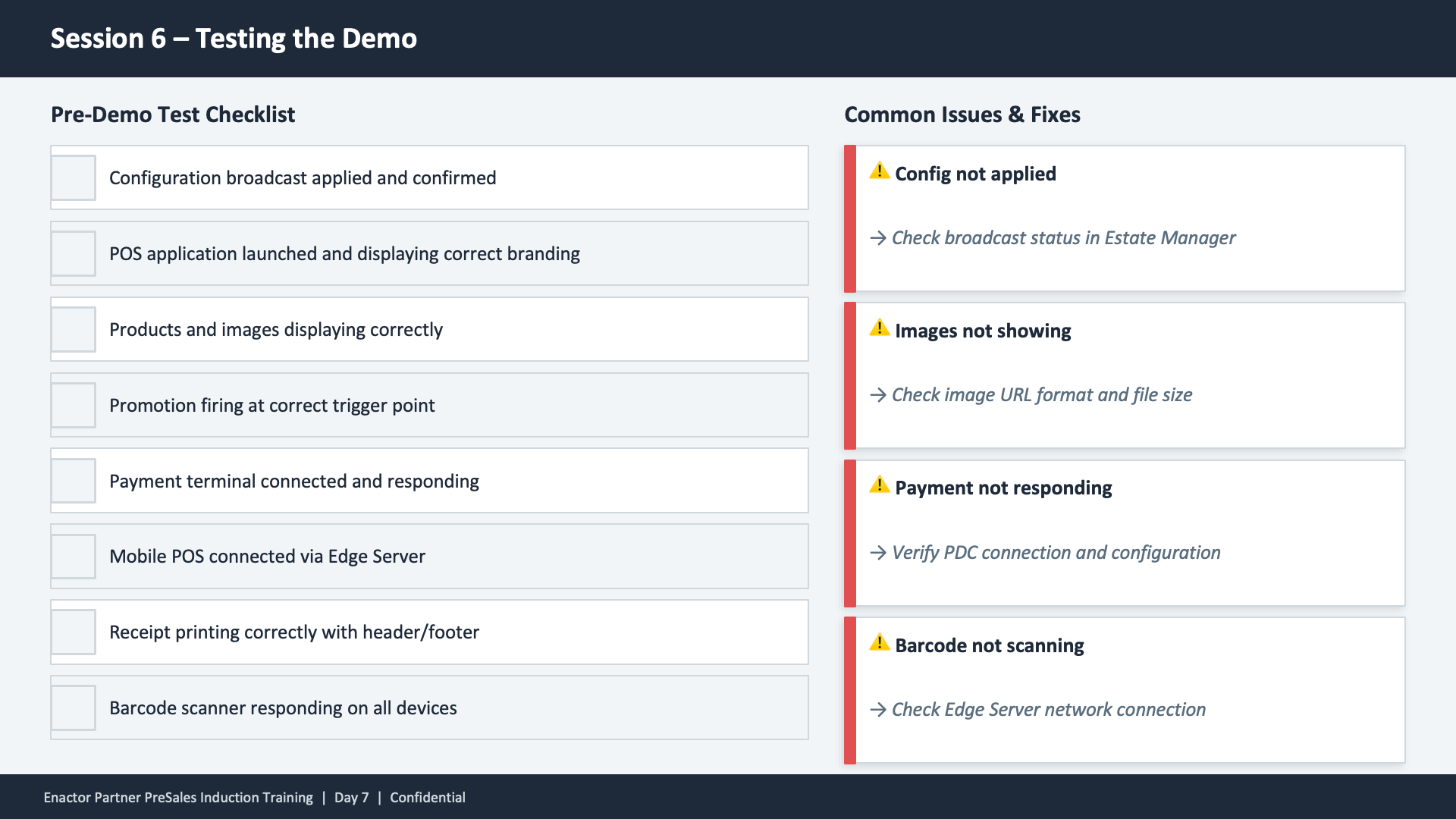
Session 6 content slide. Header: Session 6 -- Testing the Demo (dark banner). Two-column layout. Left column -- Pre-Demo Test Checklist with seven checkbox items: Configuration broadcast applied and confirmed. POS application launched and displaying correct branding. Products and images displaying correctly. Promotion firing at correct trigger point. Payment terminal connected and responding. Mobile POS connected via Edge Server. Receipt printing correctly with header/footer. Barcode scanner responding on all devices. Right column -- Common Issues and Fixes with four warning items, each with a yellow warning triangle and italic fix text: Config not applied -- Check broadcast status in Estate Manager. Images not showing -- Check image URL format and file size. Payment not responding -- Verify PDC connection and configuration. Barcode not scanning -- Check Edge Server network connection. Footer: Enactor Partner PreSales Induction Training | Day 7 | Confidential.

This slide presents the pre-demo test checklist and common troubleshooting guidance. The checklist covers seven verification steps: configuration broadcast, branding display, product and image display, promotion triggering, payment terminal connectivity, Mobile POS via Edge Server, receipt printing with header/footer, and barcode scanner response. The Common Issues and Fixes column provides quick resolutions for four frequent problems: configuration not applied (check broadcast status in Estate Manager), images not showing (check URL format and file size), payment not responding (verify PDC connection and configuration), and barcode not scanning (check Edge Server network connection).