Build and Distribution of POS Extensions
To deploy the extension, we need to broadcast the POS Extension Update as a Custom Upgrade using Application Updates.
-
Broadcast the POS Extension
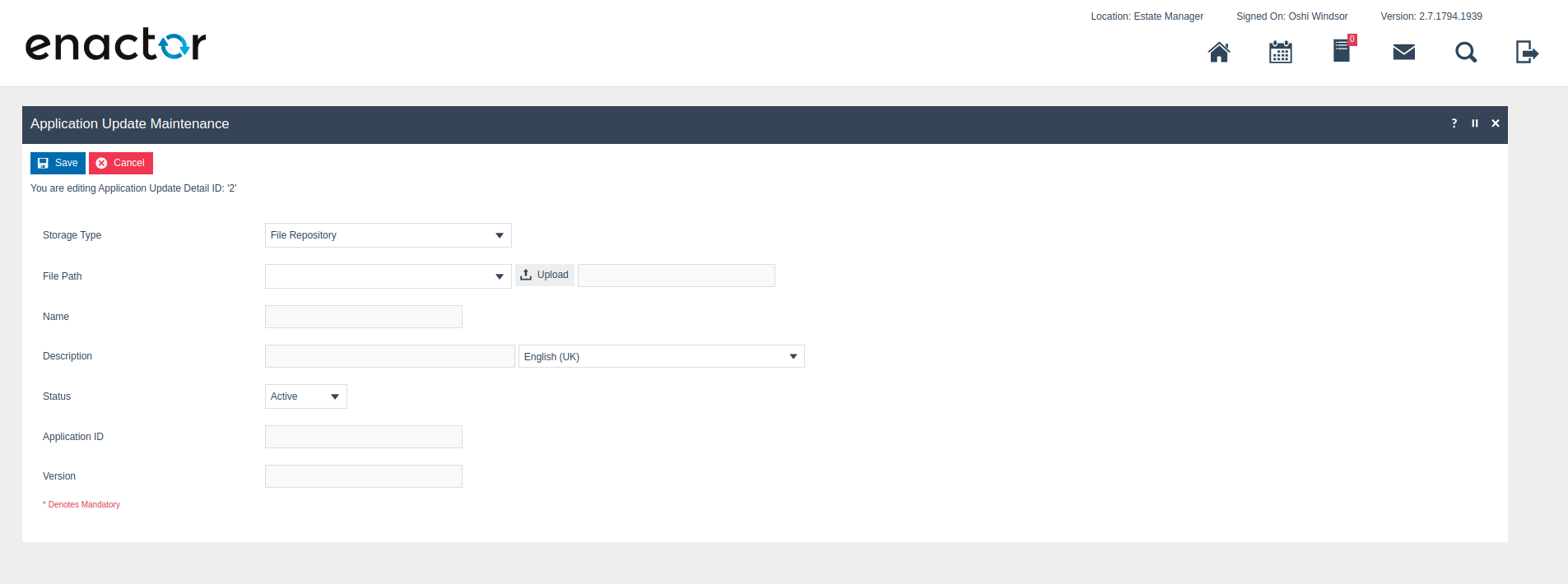
Go to Application Update Detail Maintenance in EM and upload the generated update zip file.
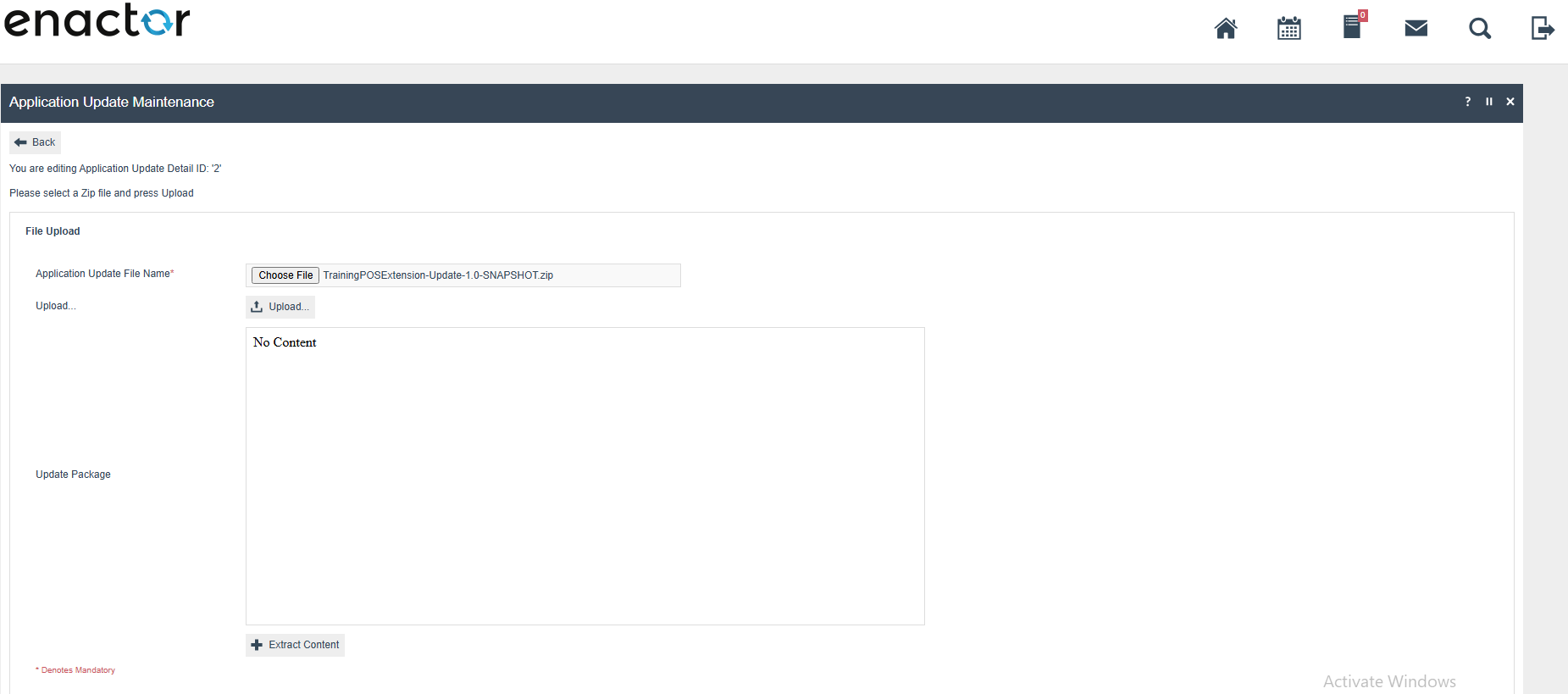
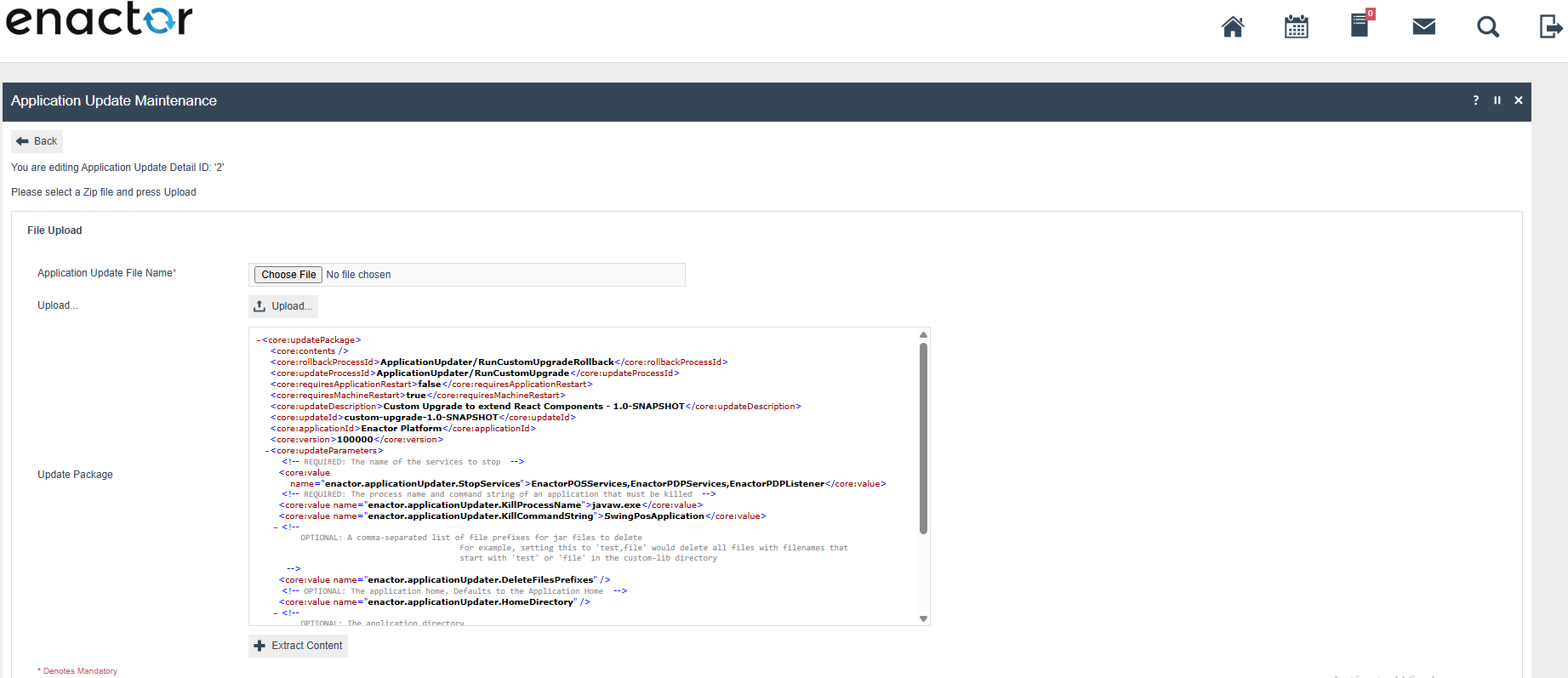
Click Extract Content.
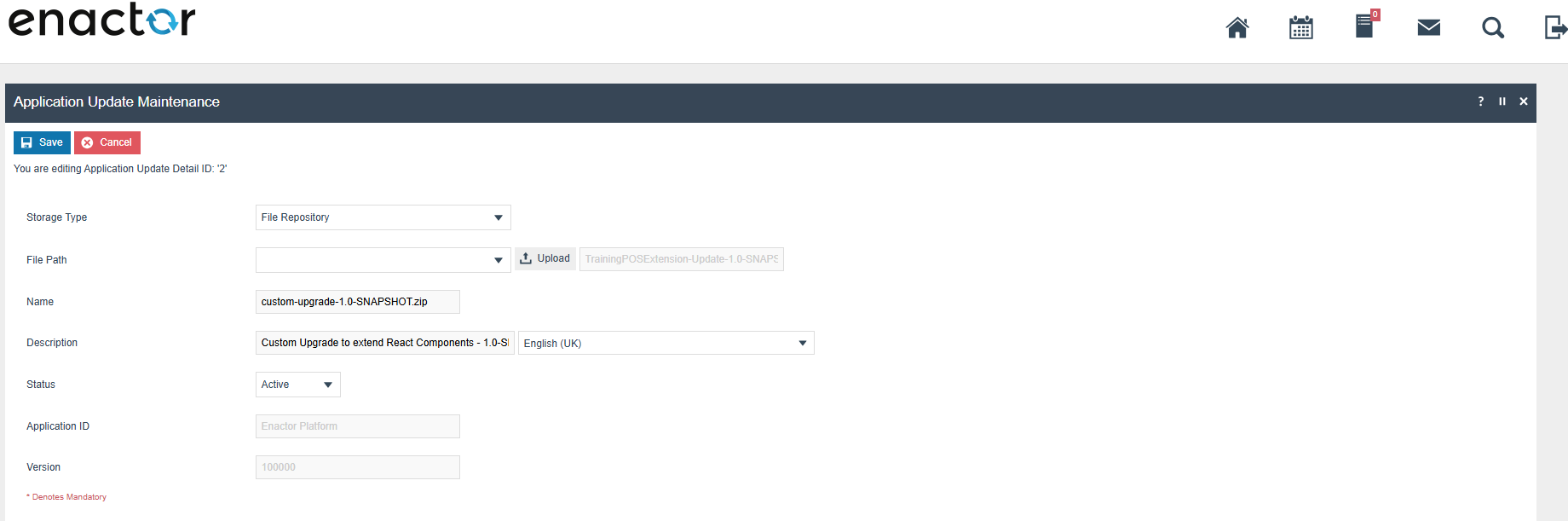
Click Save.
Go to Application Update Broadcast Maintenance and Select the above update and broadcast to your device.
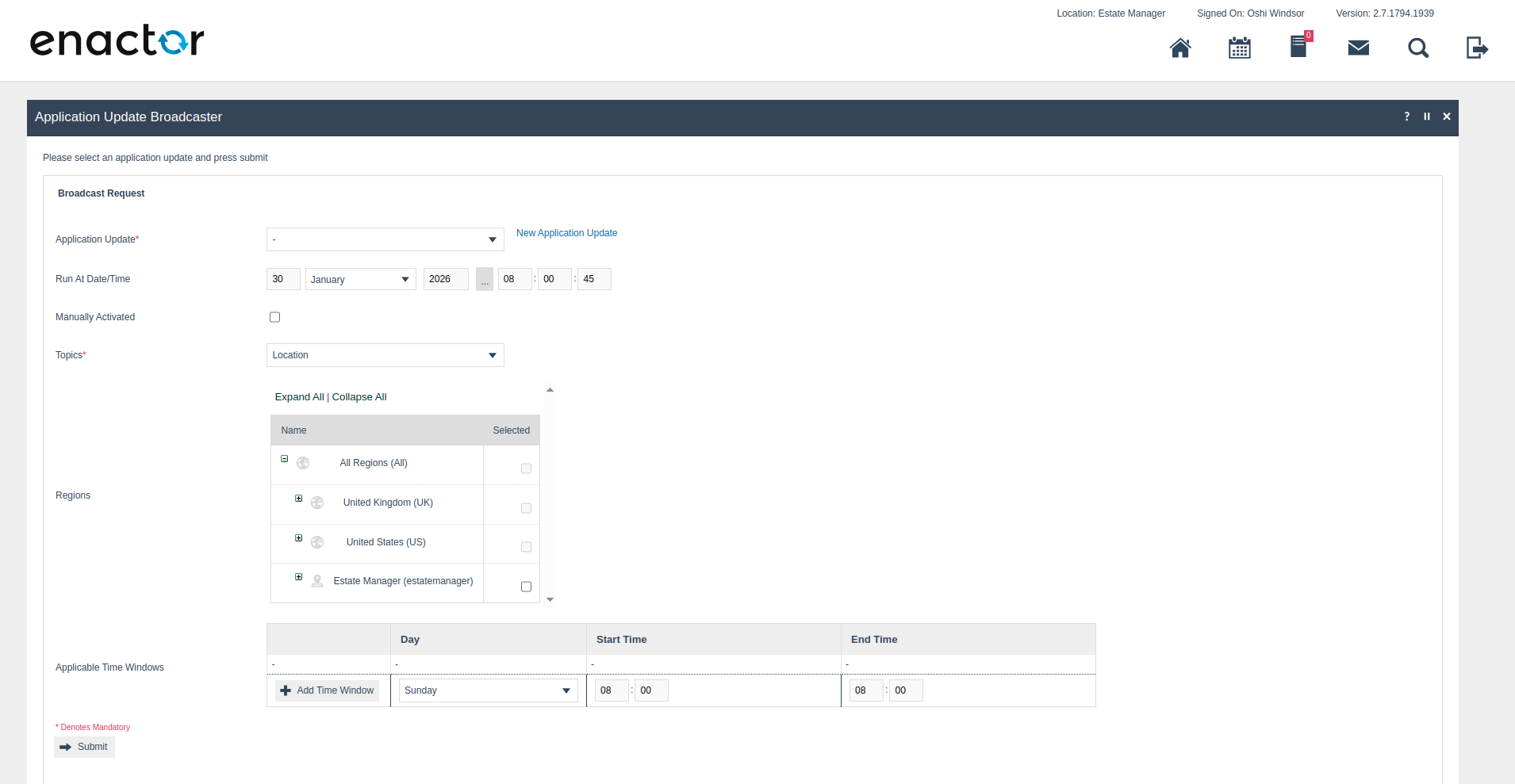
Once the broadcast is received and applied, the POS device will restart automatically to apply the extensions.
infoWhen sending consecutive updates after making changes to the extension, ensure that the version property in the UpdatePackage.xml file is incremented.