Create a New Enactor Native Desktop Application with React UI
Overview
This tutorial will guide you how to create a Reduced Application using the Enactor Application Wizard.
What you will learn
-
How to generate a Reduced Application through the Enactor Application Wizard.
-
How to run the generated react app.
Pre-requisites
An Eclipse installation with Enactor Tools plugin and npm (Node Package Manager) should be set up on the machine. Should be connected to the Enactor VPN and should set the NPM registry to https://npm.enactor.co.uk.
Exercises
Generating the Swing Application
Refer the steps in Creating New React Application to create the React Application.
In order to create a Reduced Application, you need to select the Enactor Platform Version with 3.0 or higher once you navigate to Version Configuration page.
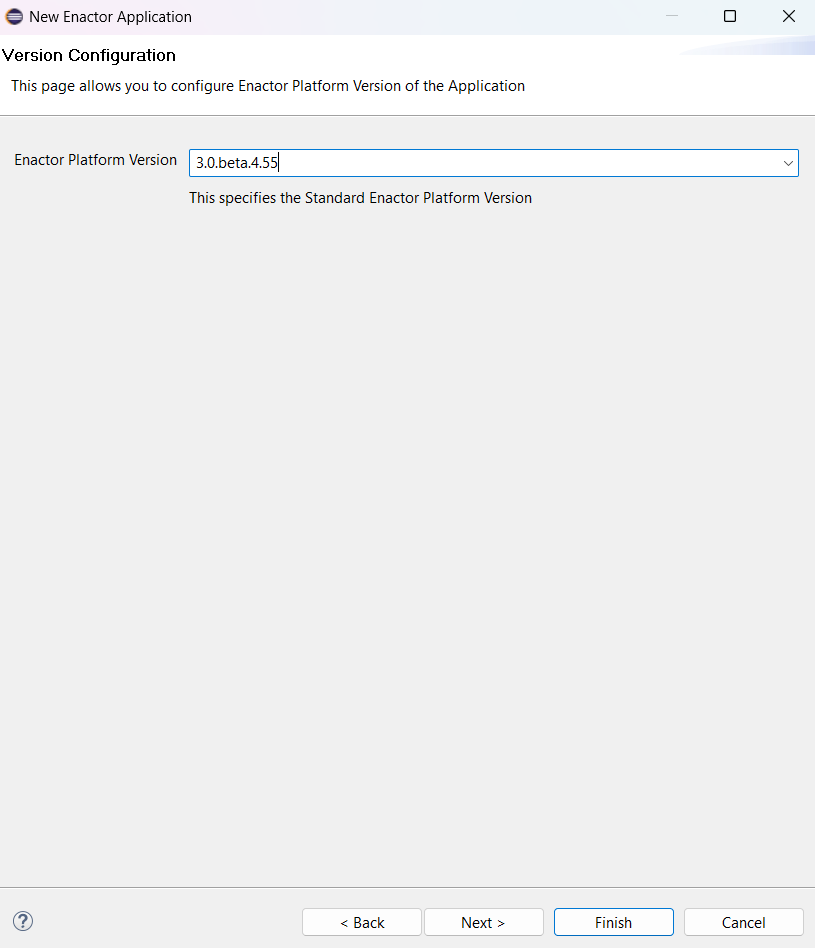
Follow the same steps as in Creating New React Application for other pages and Click finish to generate the application.
Build the generated application
Refer Build the generated application for the information.
Run the generated application
Refer Run the generated application for the information.